Dynon screens have the ability to display traffic if a suitable receiver is connected. Having looked at the receivers with the ability to output a suitable data stream Pilotaware’s Rosetta device looked to be the best bet. It receives ADSB, Flarm (via the OGN and P3i), Mode S/3D (via 360Radar, A & C transponders and of course other PilotAware equipped aircraft.
It’s a Raspberry Pi so the USB ports can be configured to output a data stream that contains the information that the device has received. So having researched what can be done I decided to carry out a permanent installation with an aviation grade installation kit with aerials mounted on the underside of the aircraft.
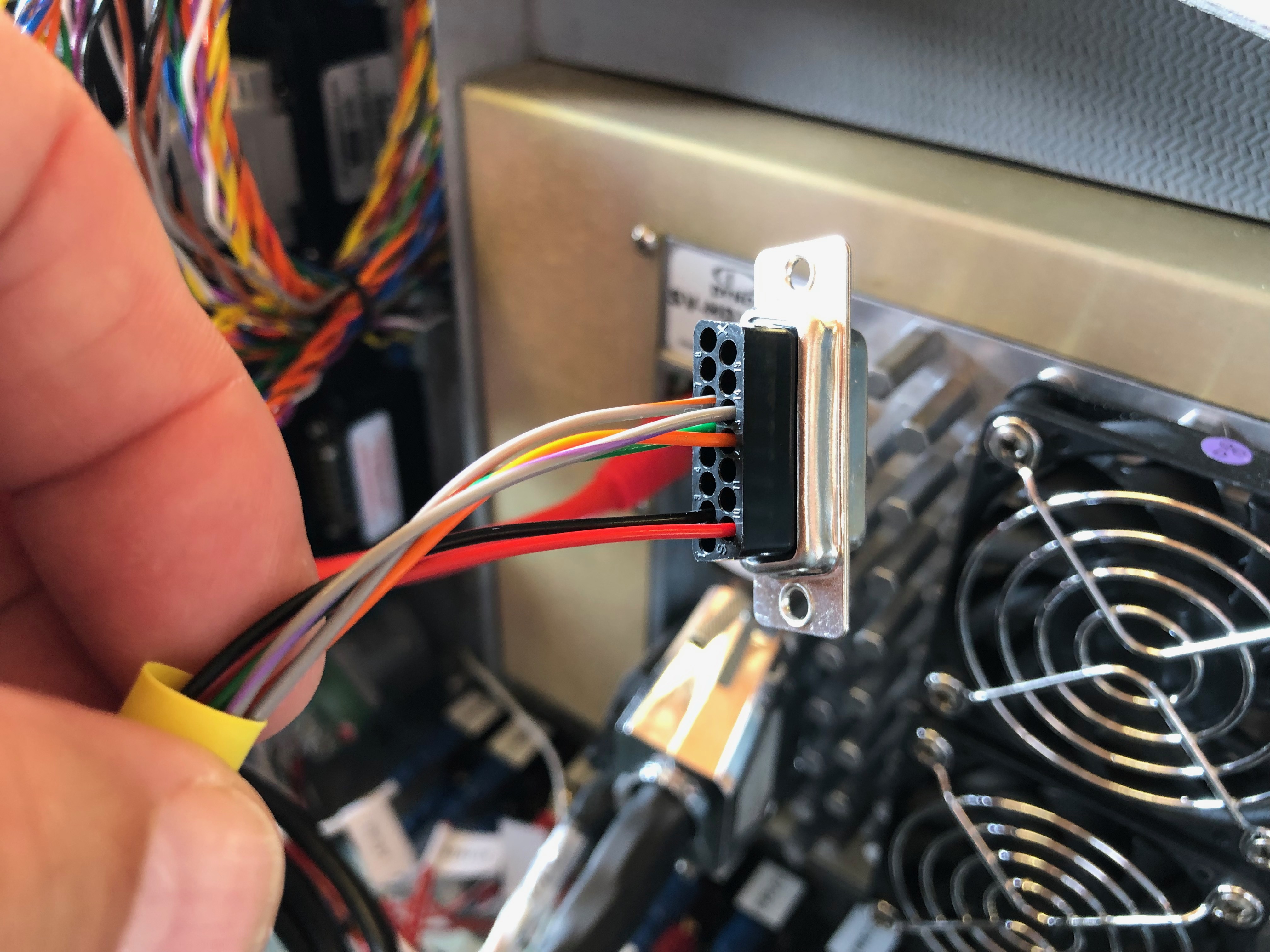
One of the first challenges was to work out where to put the Rosetta unit. If I had of thought of installing the unit earlier then I could have included it whilst building the aircraft… hindsight is a wonderful thing! Luckily I had space on the rear of the firewall which would work well. The Rosetta case has a number of attachment points including a photographic screw mount. I had a spare camera mount screw which happened to be just the right length so I use that to mount the unit. The cable ties are used to keep the power cable in position.Angling the unit down slightly allowed me to run the aerial coax cables from the unit and down the starboard side of the aircraft behind the interior trim to where I plan to put the aerials. I powered the unit from the Pilots Skyview screen USB so as soon as I power the Skyview it powers the Rosetta unit. It’s a neat solution.With a permanent installation the Rosetta GPS module normally enclosed within the case is removed and replaced with a GPS mouse on a long lead that plugs into the same USB port. The mouse can be run to a suitable point for the best reception. As I had already mounted the Dynon GPS250 unit on a platform just under the glare shield I decided to place the GPS mouse alongside. Another option is to use the Dynon GPS output and feed it into the Rosetta unit but I decided that I would use the Rosetta GPS as it removes the Dynon GPS as a single point of failure. Although the only option was to mount the aerials on the bottom of the aircraft I carefully considered where to place the two aerials to reduce any possible interference from the Transponder aerial. I decided to mount the ‘receive’ aerial on the starboard side adjacent to the main gear diagonally as far as practical from the transponder aerial. The ‘P3i’ aerial was mounted inline but in front of the Transponder aerial. This should reduce any interference and maximise the effectiveness of the PilotAware transmission. I used a USB to RS232 adapter lead plugged into USB port 3 which was configured to Flarm Traffic at an 115200 baud rate. I used port 4 of the Skyview configured for Flarm at the same baud rate and made up a D9 connector with data pins 2&3 reversed to interface with the adapter lead. As I’ve used the Skyview screen to power the Rosetta unit I didn’t need to connect a separate earth. Quite useful…Once installed it was time to test the unit. Switching the Skyview on powers the Rosetta unit which then transmits a WiFi network. Connecting an iPhone to the WiFI and pointing the browser to 192.168.1.1 displays a configuration screen. Once the config is set a ‘Traffic’ button on the webpage displays what the unit is receiving. As you can see it receives a lot of traffic. This list is not filtered so shows traffic at all levels.Another button on the webpage is labelled ‘Radar’ and displays this screen. The onscreen buttons allows you to change the altitude and range of the contacts displayed. This screen is set to the maximum. It shows the contacts, height, climb or descent and track. The colour of the diamonds depict the ‘threat’ of the contact. These screens are interesting but the data is much more useful when you feed it into an app like SkyDemon, EasyVFR or display it on the Skyview panels. This is how the traffic is displayed on the Skyview map. Again the data is unfiltered so shows traffic that would be of no use or threat to me so I’ll filter those out some point in the future. The Skyview shows the altitude, whether climb or descending and track of the traffic. Aircraft over 10,000 ft have a ‘+99’ label.Synthetic vision really ups the game with traffic showing as targets in front of you. Any that are a threat will be coloured appropriately and audible warnings given via the headset.
All in all I’m really pleased with the installation and it was well worth the time invested especially as Maypole’s runway is still out of action due to water logging so used the time productively.
The systems I have installed can lure you into keeping your head down and eyes in the cockpit, however it is essential to keep your head up and carry out an effective look out as not all aircraft have conspicuity systems onboard. These systems help you avoid conflict but must be used in conjunction with the No. 1 system, your eyes!
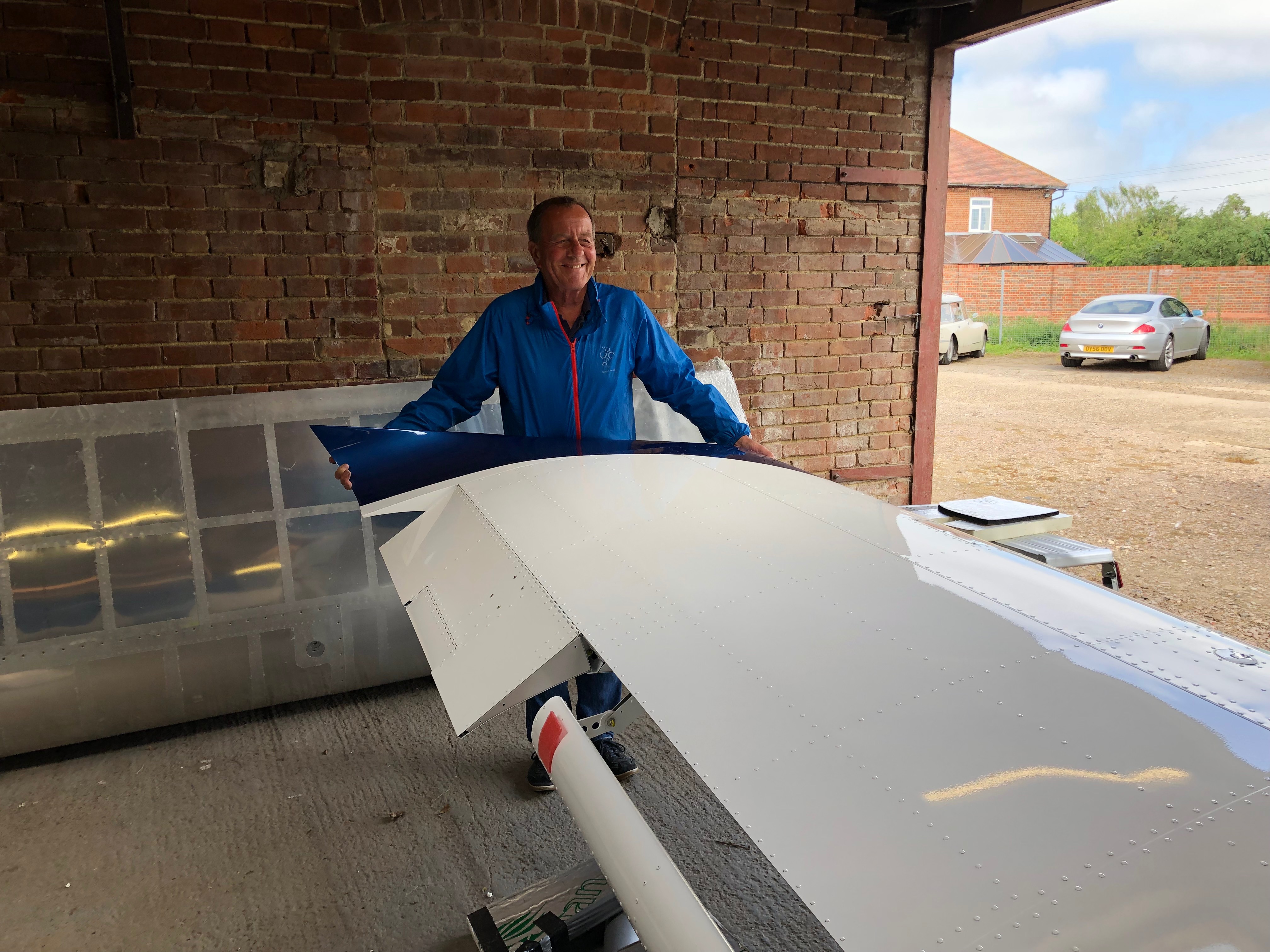
Whilst waiting for the permit to fly to hit the doormat I can complete a few jobs that didn’t need to be done before the flight testing. This includes fitting the wheel spats, applying the internal leather trims and other miscellaneous jobs.
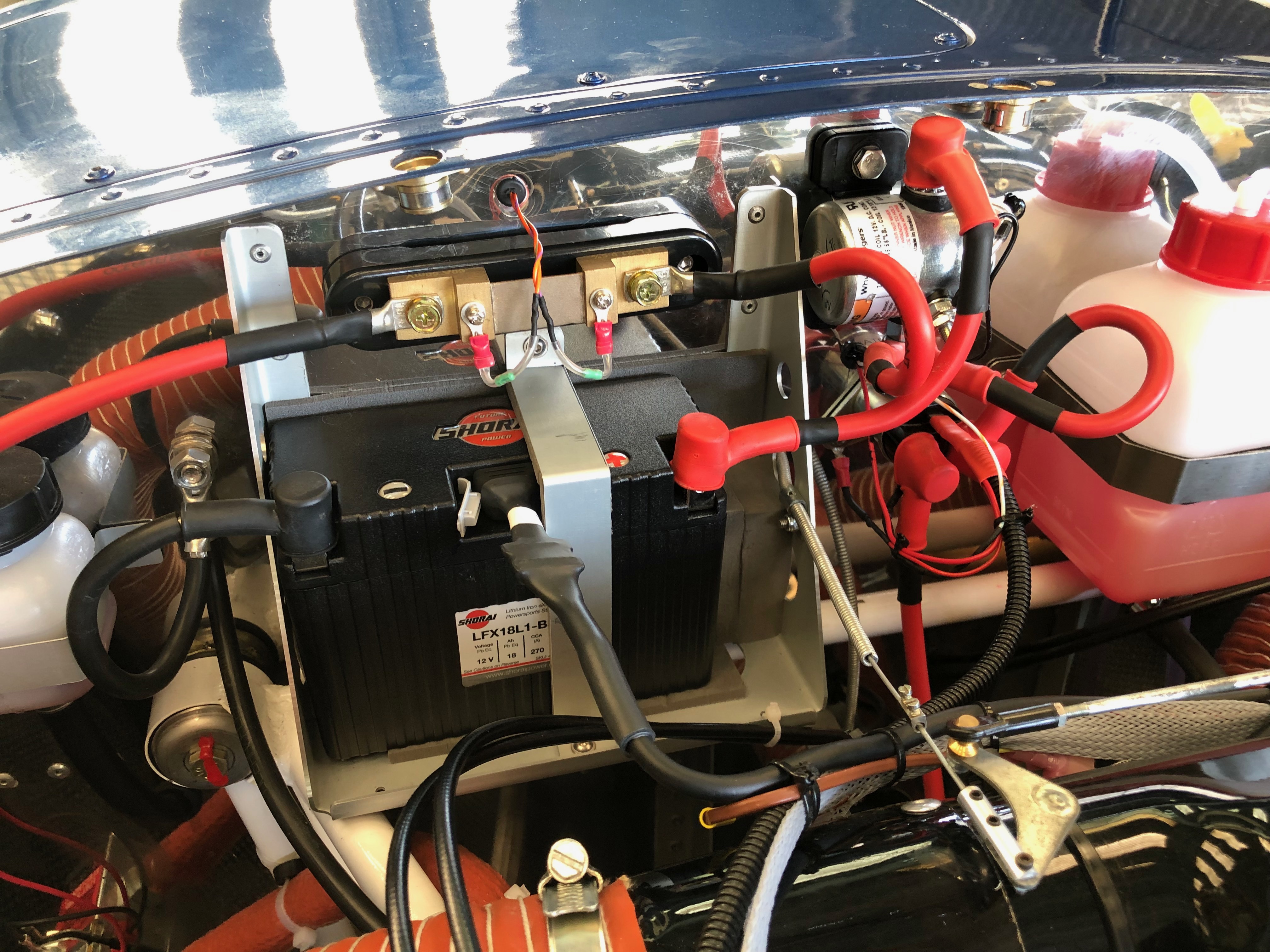
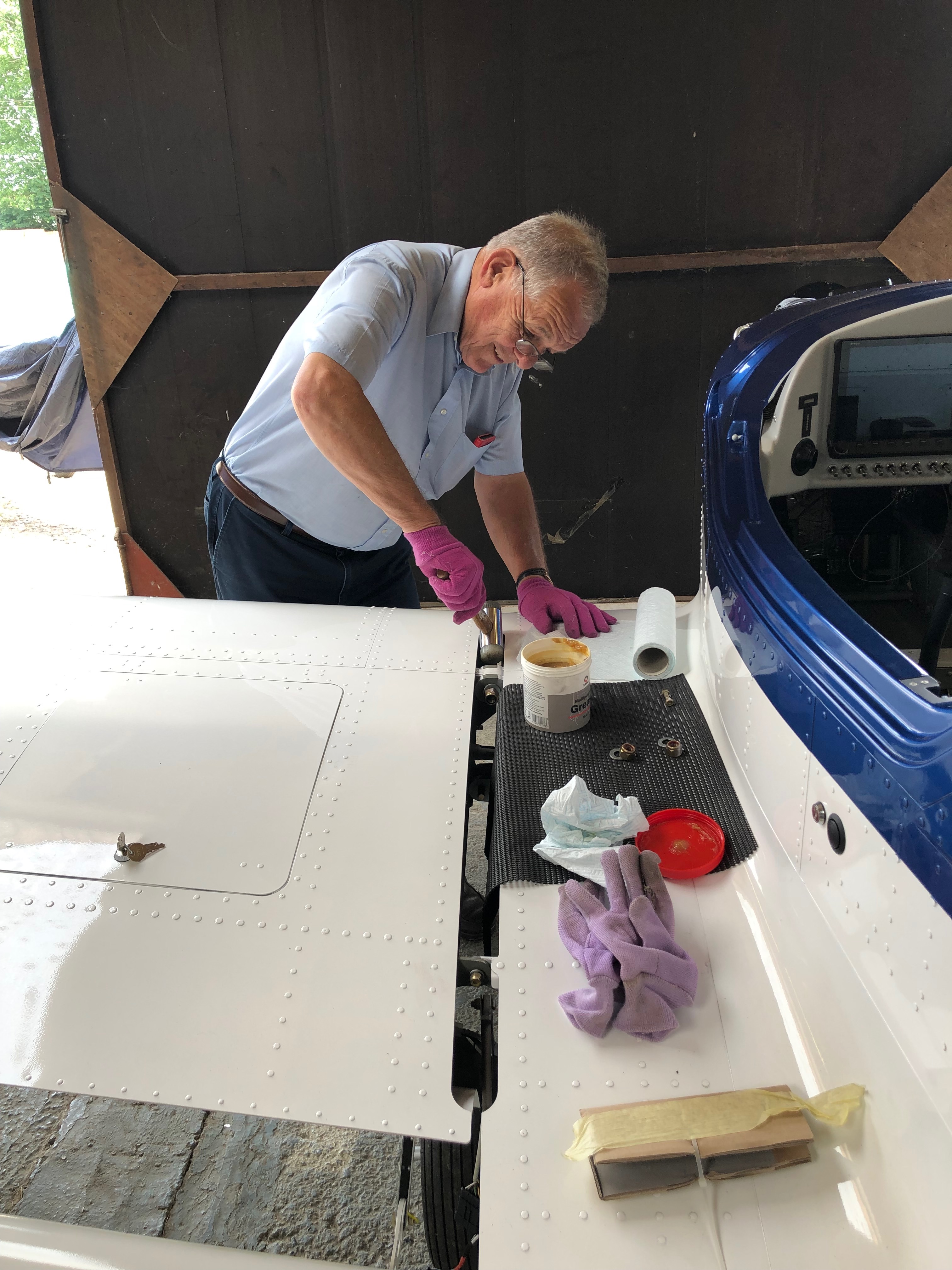
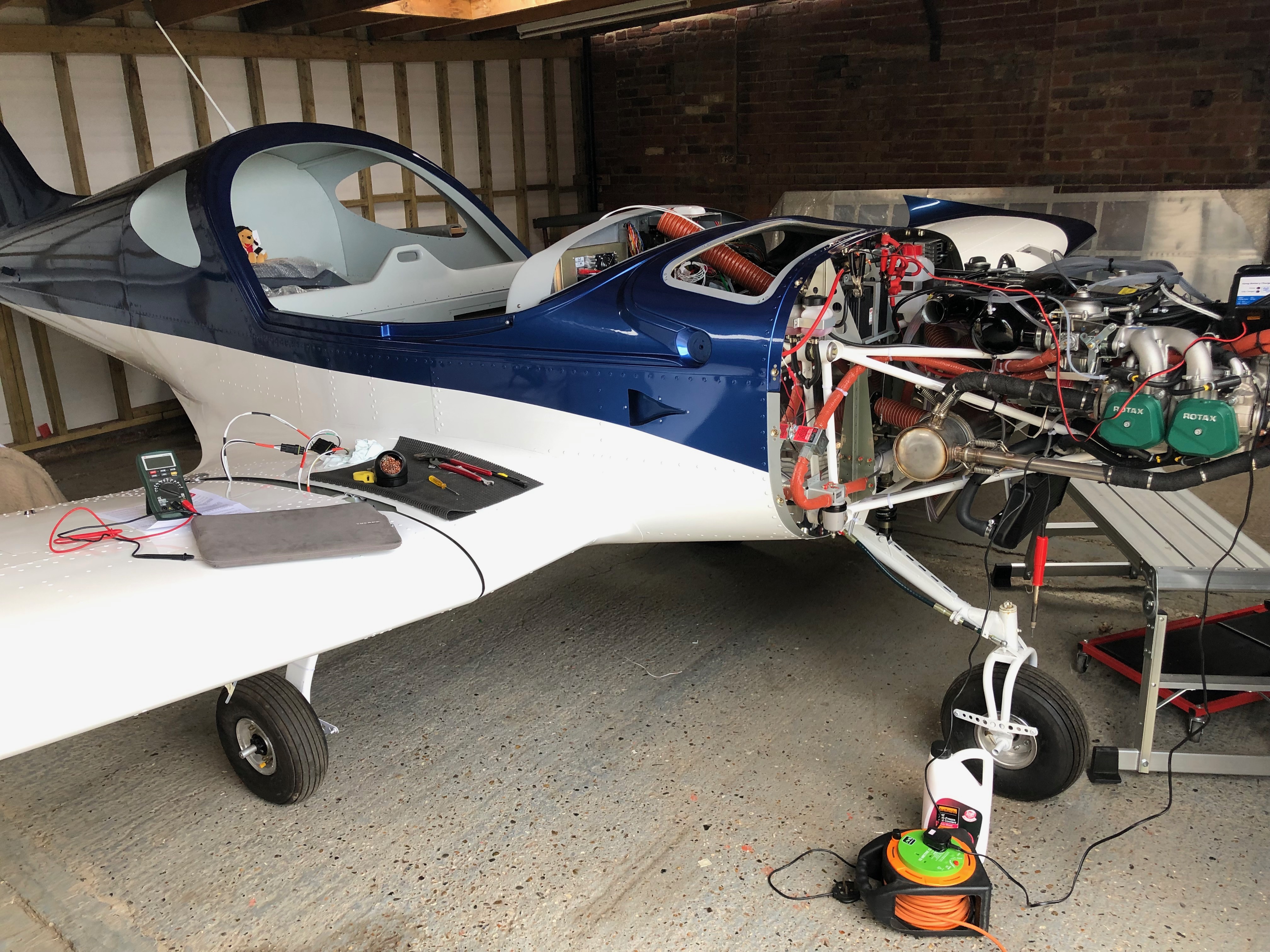
The leather interior trim was very easy to fit but required the seats to be removed. The last thing to do here is to fit the centre storage cover where ‘Pilot Pooh’ normally sits so he will need to sit somewhere else when the cover is fitted. The centre storage box can be removed so this allowed me to put an ’emergency release’ in for the canopy just in case the main release mechanism fails.The main spats have one hole predrilled but the other four holes on each spat have to be precisely measured and drilled to ensure that they are level and inline with the airflow to reduce drag. What seemed to be a very straightforward job took quite sometime to get right. Fitting the nose leg cover was very straightforward. The nose wheel spat took about the same amount of time to fit as the main gear but the result is a much cleaner and streamlined look. Hopefully it will give an increase in cruise speed as well! To reduce weight I decided to add a Lithium Iron battery. The battery is normally charged when the engine is running and can also be charged with a normal low amperage battery charger. If the battery runs flat or requires a top up it would normally mean that the top cowling would have to be removed to attach the battery charging leads which is quite a clumsy arrangement. Shorai sell a battery charger that is specifically designed to charge / condition the battery. They also sell a charging lead that can be permanently attached to the battery so I purchased one and run the lead to the oil inspection hatch. This allows me to keep the battery topped up when it’s not used for a period of time. Quite a neat solution.
With the aircraft substantially complete and awaiting Ian to return to carry out some sign-offs I’m finishing off some smaller jobs that I can do whilst I wait. This includes adding a few more placards and labels, some more taxiing to check nose wheel alignment and brake operation, a couple of engine runs to check its operation and allow me to run to maximum RPM so I can set the fine pitch stop on the Airmaster prop. I’ve also purchased a battery charger for for the Shorai Lithium Iron Phosphate battery that I’ve fitted that balances the cells and ensures a better operation. The upside to this is that it comes with a special lead that fits to the centre port of the battery and not the usual batter terminal. This allows it to be permanently fitted.
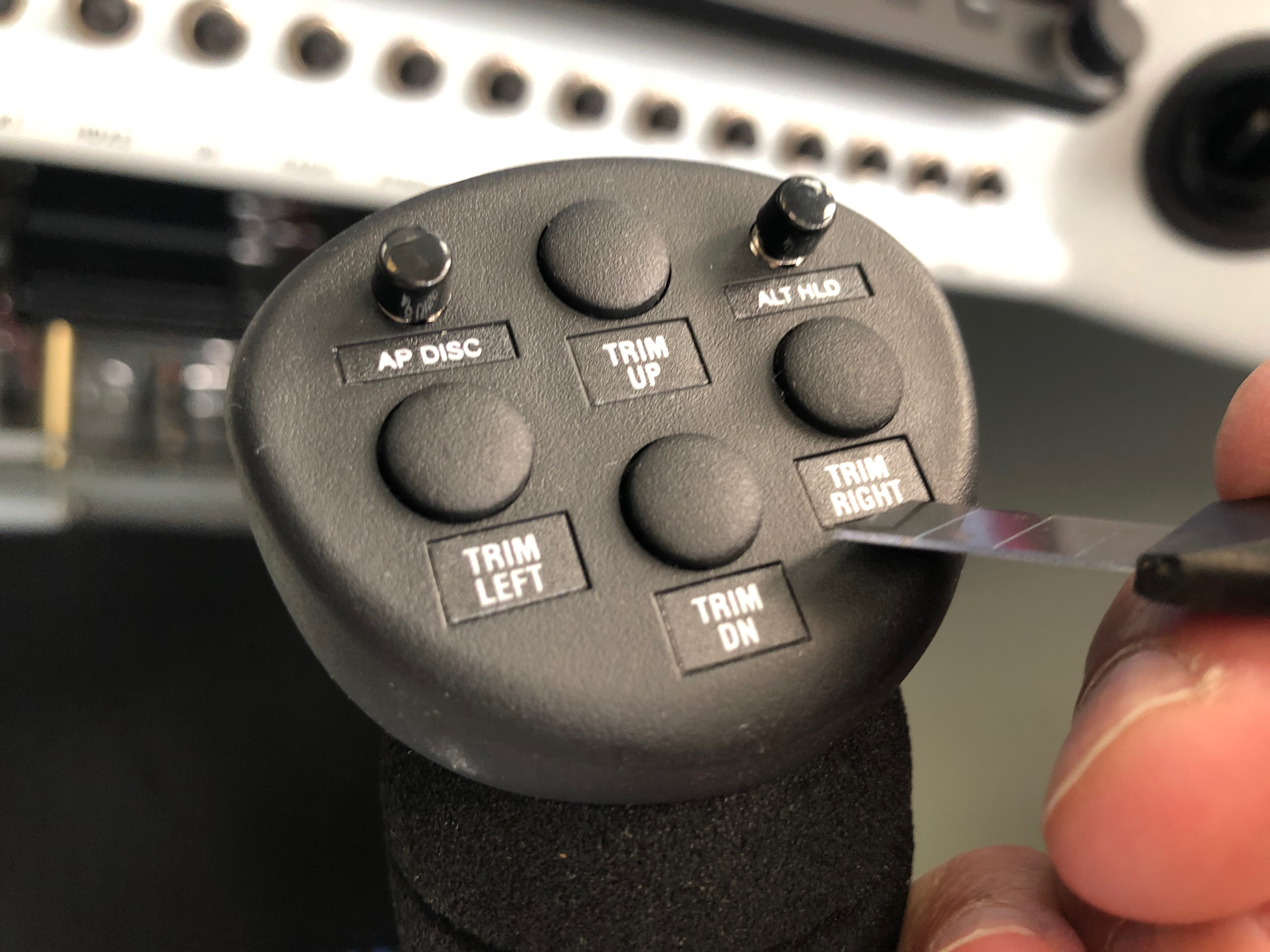
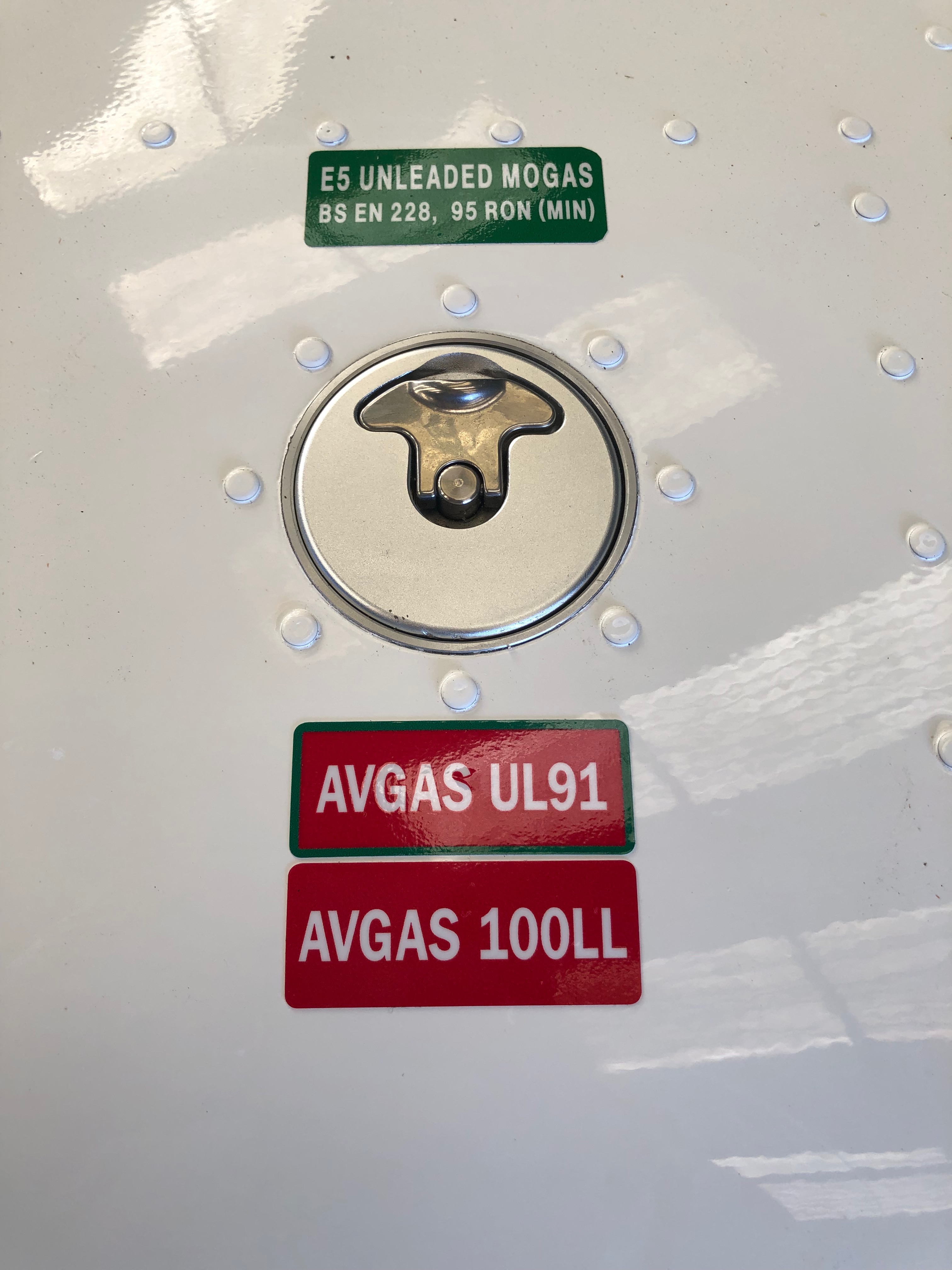
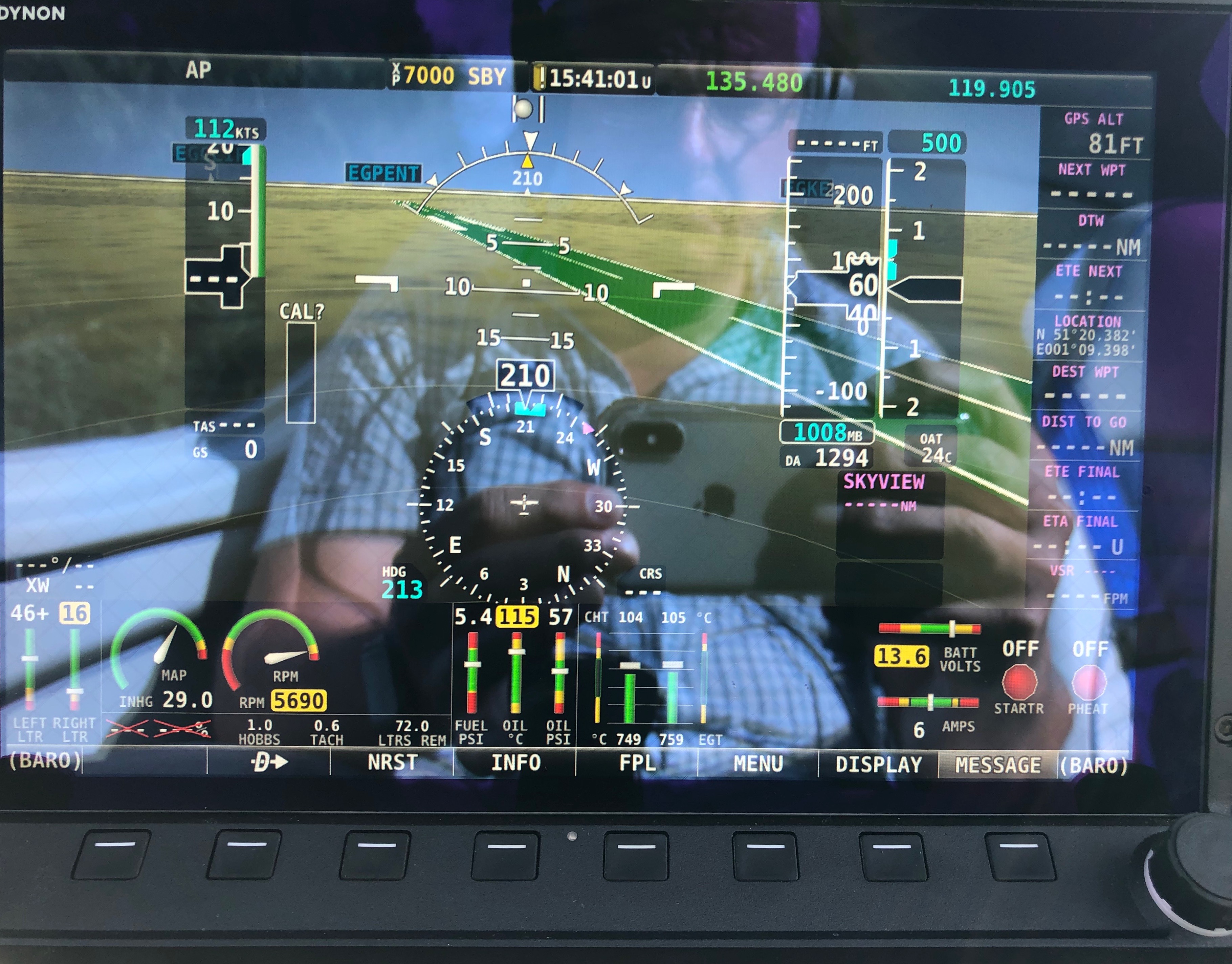
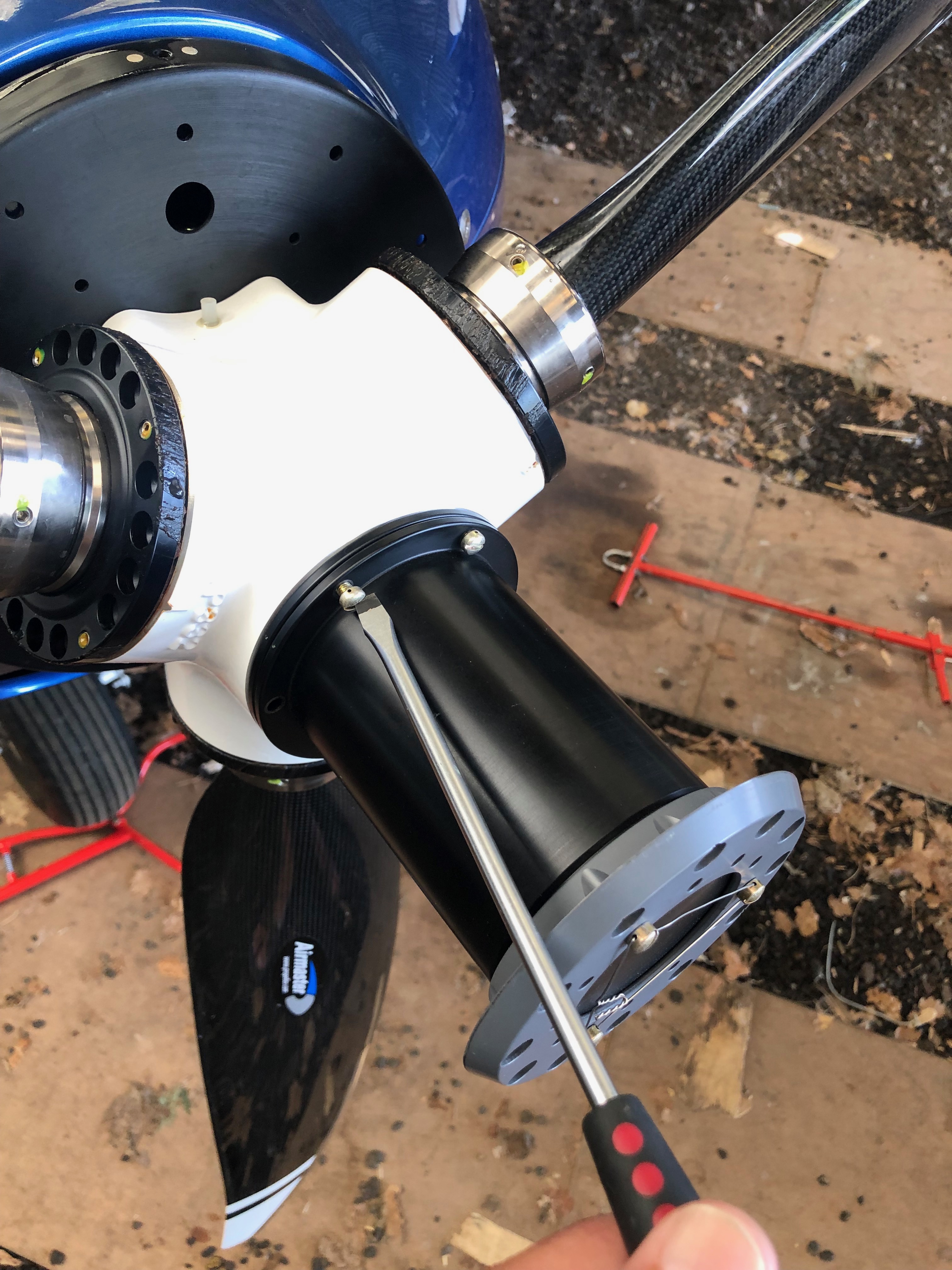
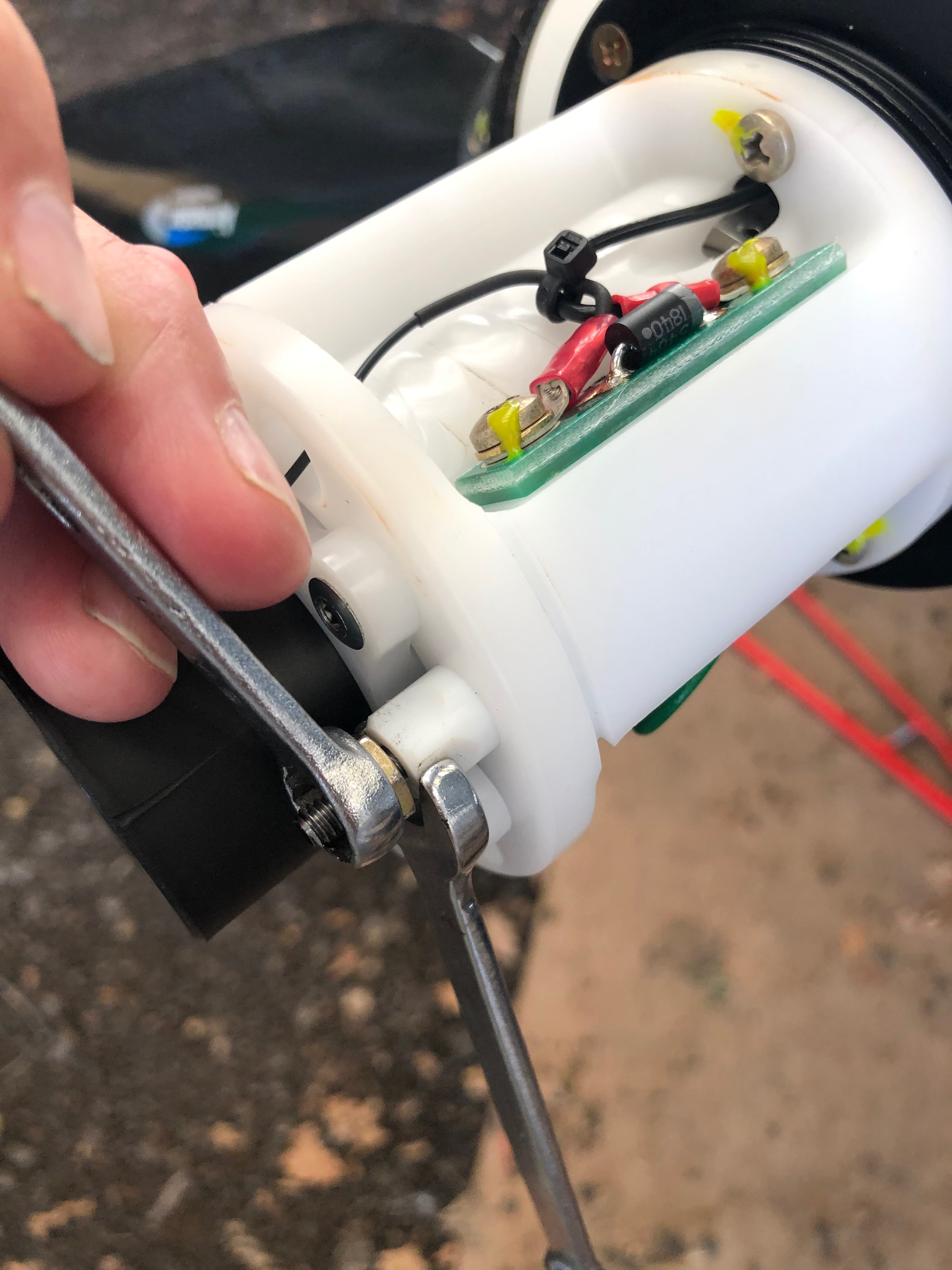
The Bristell kit comes with G405 stick grips but I wanted to put the autopilot disconnect and autopilot level buttons on the grip. so I have installed G407 grips instead. It comes with a variety of labels to identify the button function.The Rotax 912 ULS can run on a variety of fuels but unless you placard them a refuelled may not fill with the option you request. I got the MOGAS sticker from the LAA and Chris Knight from Maypole had a few of the AVGAS UL91 and 100LL stickers.As the special battery charge lead plugs into the centre port I had to move the battery slightly off centre by moving the packing but was an easier option than re-siting the battery retaining strap.I’ve run the charge lead to the oil inspection hatch which will allow me to charge the battery or keep it in maintenance mode without taking the top engine cowl off. Quite a neat solution. One of the things I needed to do was set the Airmaster fine pitch. This involves putting the prop in manual mode and throttling up to just under maximum RPM at 5700. Once this is done then the engine can be shut down and the adjustment made.Took this just to record some sensor readings at max RPM. Oil temp is a little high which may be because I’ve been stationary whilst running the engine at high RPM. I will be checking that…Now I’ve set the prop pitch so the engine peaks at 5700 I can set the fine pitch cam. The pitch motor cover is removed to reveal the microswitches and cam adjusters…The locking nut is undone and the cam adjuster is turned until you hear the microswitch operate and that’s it – very simple. All that’s required is to reassemble the pitch motor cover and now the fine pitch has been set I can wire lock the screws to make sure that it doesn’t loosen whilst in operation.
I must admit the more I work with the Airmaster prop the more I’m impressed with the quality and engineering. It’s brilliantly simple and well worth the extra I paid. It will be good to see what the performance when it finally flies but from what I’ve seen so far has impressed me. I can virtually guarantee maximum RPM for takeoff and tune the prop for climb and cruise. The fact that it has a 2000 hour TBO to match the Rotax and it’s user maintainable at 100 hours intervals means it will be very cost effective over the coming years.
With only a few things left to do one of them is to set the control surface deflections. On the face of it, it’s an easy job but it requires a differential movement from fully up to fully down. Due to that specification there’s more than one place to adjust. It requires a bit of juggling to get it right and in the heat of Thursday it wasn’t the day to do it.
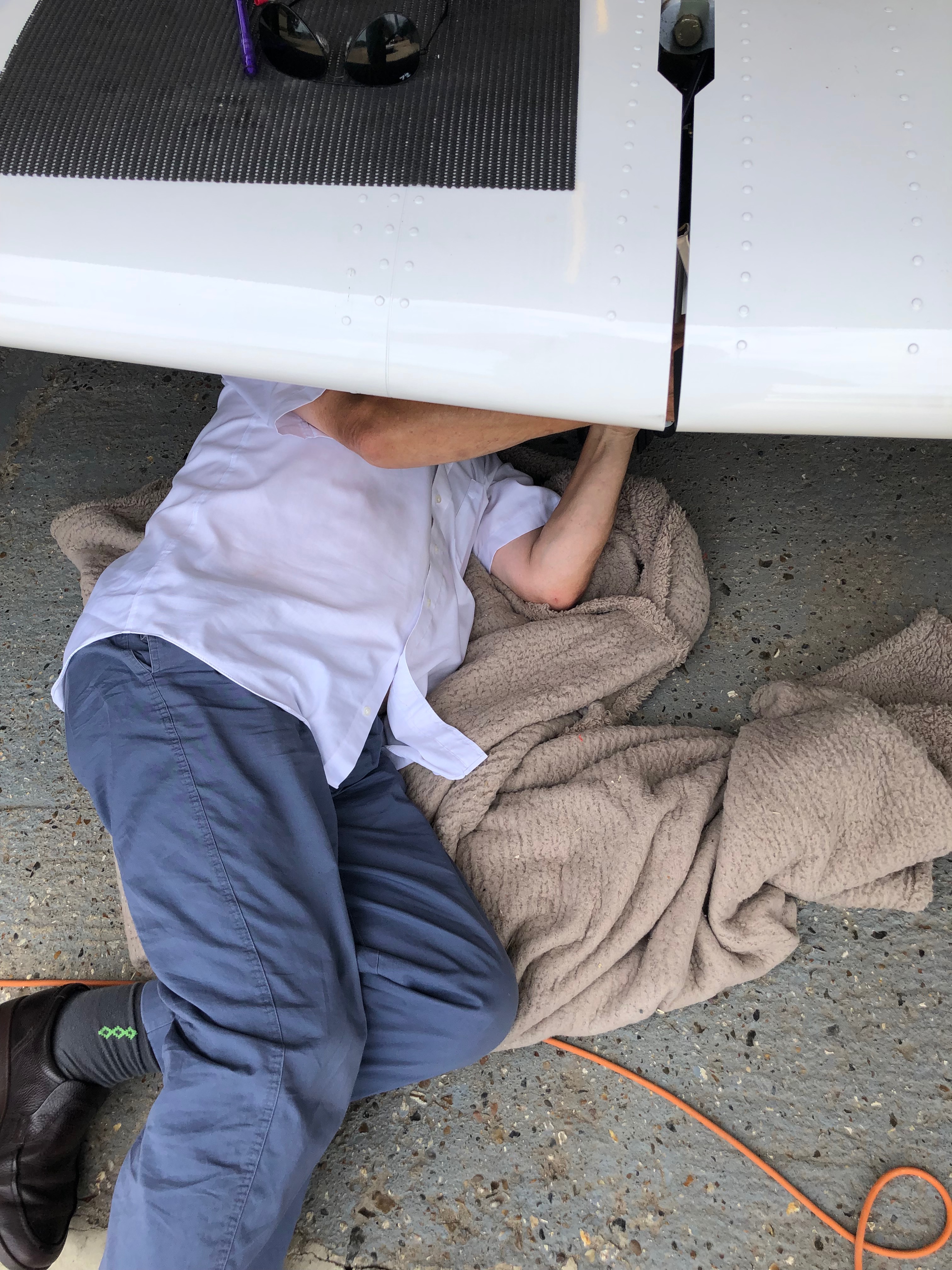
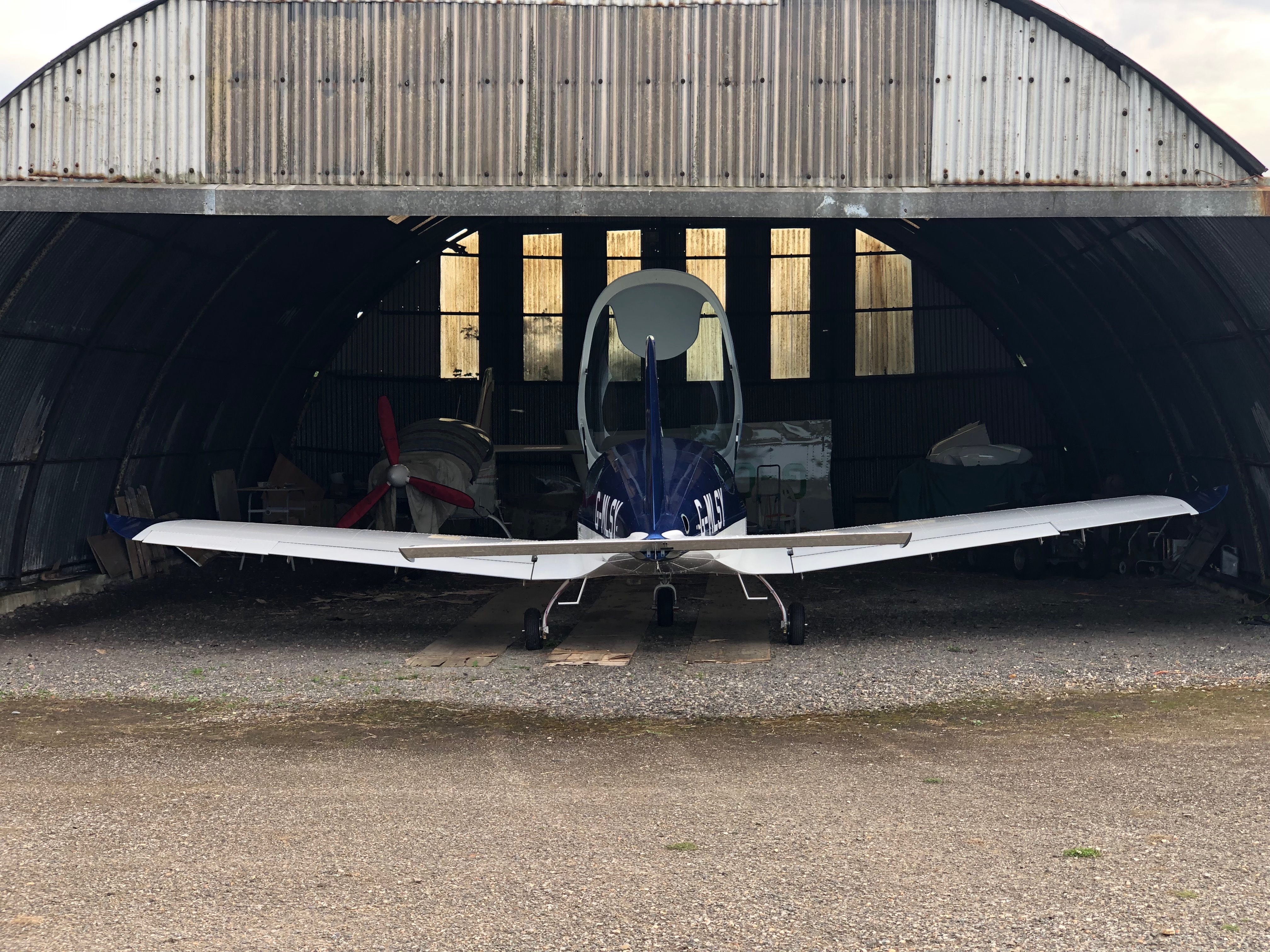
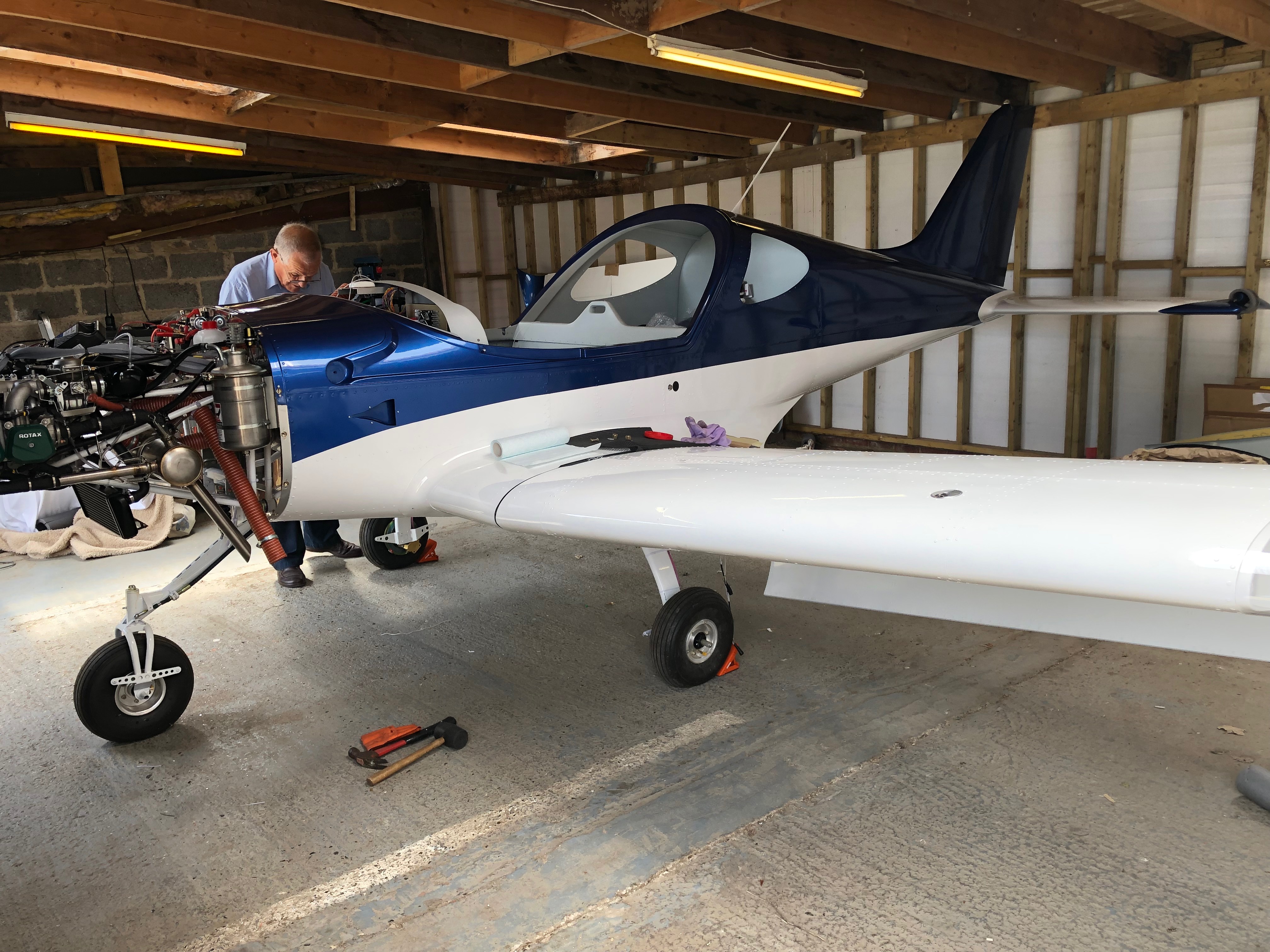
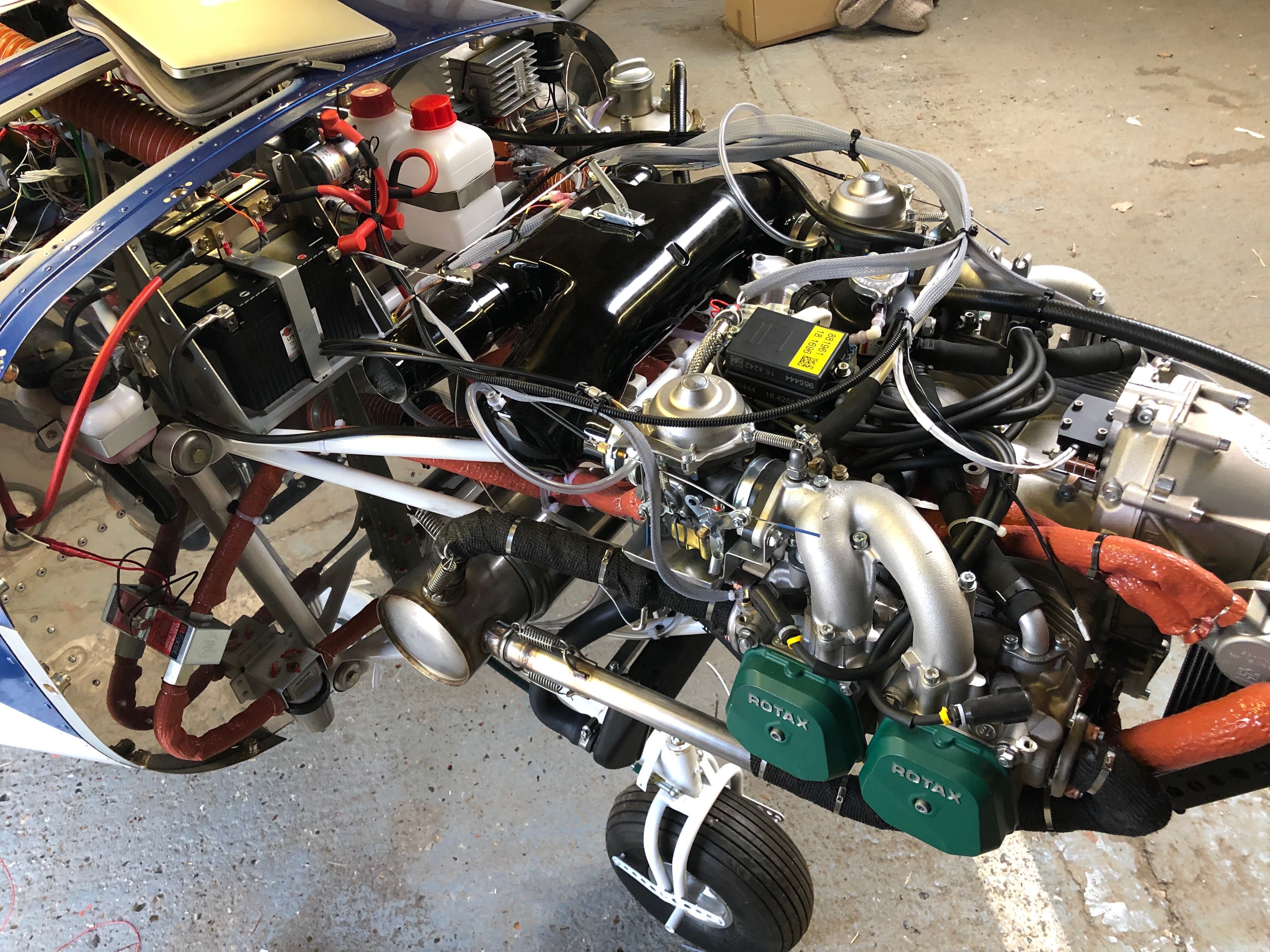
One of the adjustment points in in the rear of the aircraft with a very small inspection panel to undo nuts and make the adjustment. It was very tricky and time-consuming but got there in the end. I used an iPhone inbuilt app for the level that was then checked by Ian who has a digital protractor. Amazingly the iPhone reading match Ian’s readings +30 deg -15 deg.Ian came round to ask if I wanted to run the engine today as he’s away Monday and Tuesday. With the temperatures very much lower today it seemed a good idea so we got on with checking everything was ok before taking it out of the workshop.The workshop ceiling was far too low to fit the canopy so needed to do it once it was out. It took a lot of jiggling to get it out of the workshop and now it’s out it won’t be going back in! Out on the grass away from all the stones and Pete Sharpe recording the event on my iPhone it’s time to do a final check before the first start. The electric fuel pump was switched on to check for leaks from the fuel system, all seems ok. First time in the cockpit for real so another good check to make sure every thing is working as expected. Ian is standing by just in case anything goes wrong with a radio and fire extinguisher!Canopy down, calling “CLEAR PROP” as I turn the ignition key and my baby burst into life on the very first turn – I can only shake my head in disbelief – Amazing!Watching the Ts&Ps as the engine is running Ian does a walk round to check for any obvious problems but there aren’t any. It’s running as sweet as a nut.After being told to smile I look up as one happy chappy… Ian prompted me to taxy the aircraft to spread the noise about a bit so I did a few runs up and down the runway checking brakes, steering, instruments, pitot system and then power checks. All very good apart from the flys on the firewall. Ian carried out a further check once the engine had stopped but all was ok and there were no problems.A very empty workshop. It seemed big enough when I first started but as time went on it proved to be too small to house the aircraft on a permanent basis.So this is where G-MLSY will be for the weekend before being moved to its new position in the main hanger.
Getting close to finishing now so some small outstanding jobs to do including wiring starter solenoid protection, a stuck starter indicator connection and external level button on each stick top hat. I also trial fitted the registration and polished the fuselage ready to apply it.
I received the registration vinyls on Friday so today I need to ready the fuselage for them to be applied. Just a case to working out the best placing for them. Along the line of paintwork line or along the rivet line? that’s the question!I’ve bought a polishing machine to make the job easier with some G6 cutting liquid cutting compound. It takes a bit of getting used to using it but it makes a good job it. The paintwork needs to be de-greased before I can apply the registration letters.When I sent the aircraft for spraying they noticed that one rivet hadn’t been squeezed on the trailing edge of the wing. So Ian brought his rivet squeezers in with a special head for this type of rivet. A little more wiring to do. A diode is placed from the starter solenoid to earth to kill any spikes caused from the contacts releasing when starting the engine. Also I’ve wired up a contact on the Dynon screens to that will show a ‘stuck starter’ situation. I was a little worried that a higher voltage may find it’s way back to the EFIS so I’ve protected the connection with a diode to prevent spikes and a 1 amp fuse.
Music: Reverend And The Makers, Ian Brown and Razorlight.
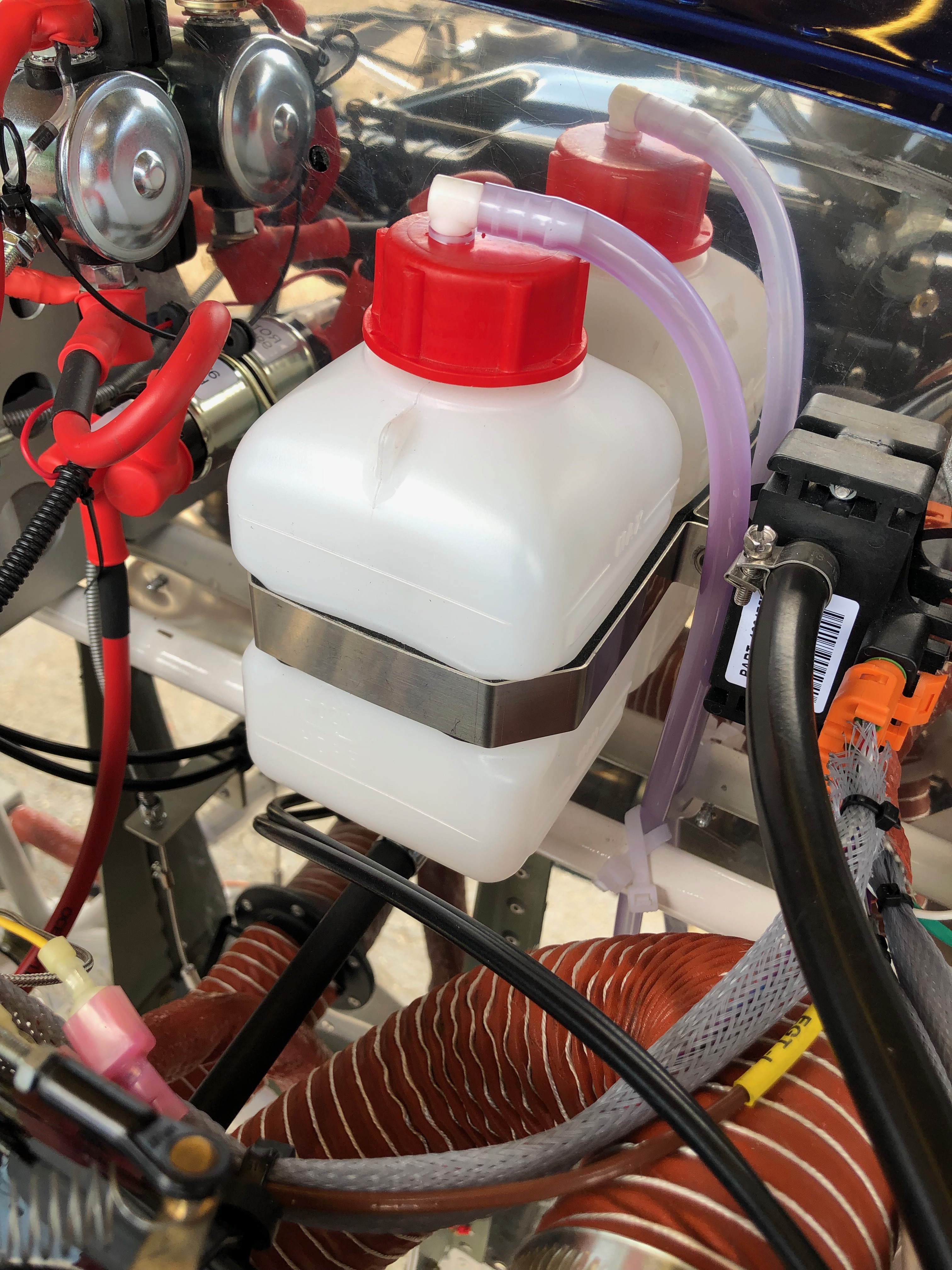
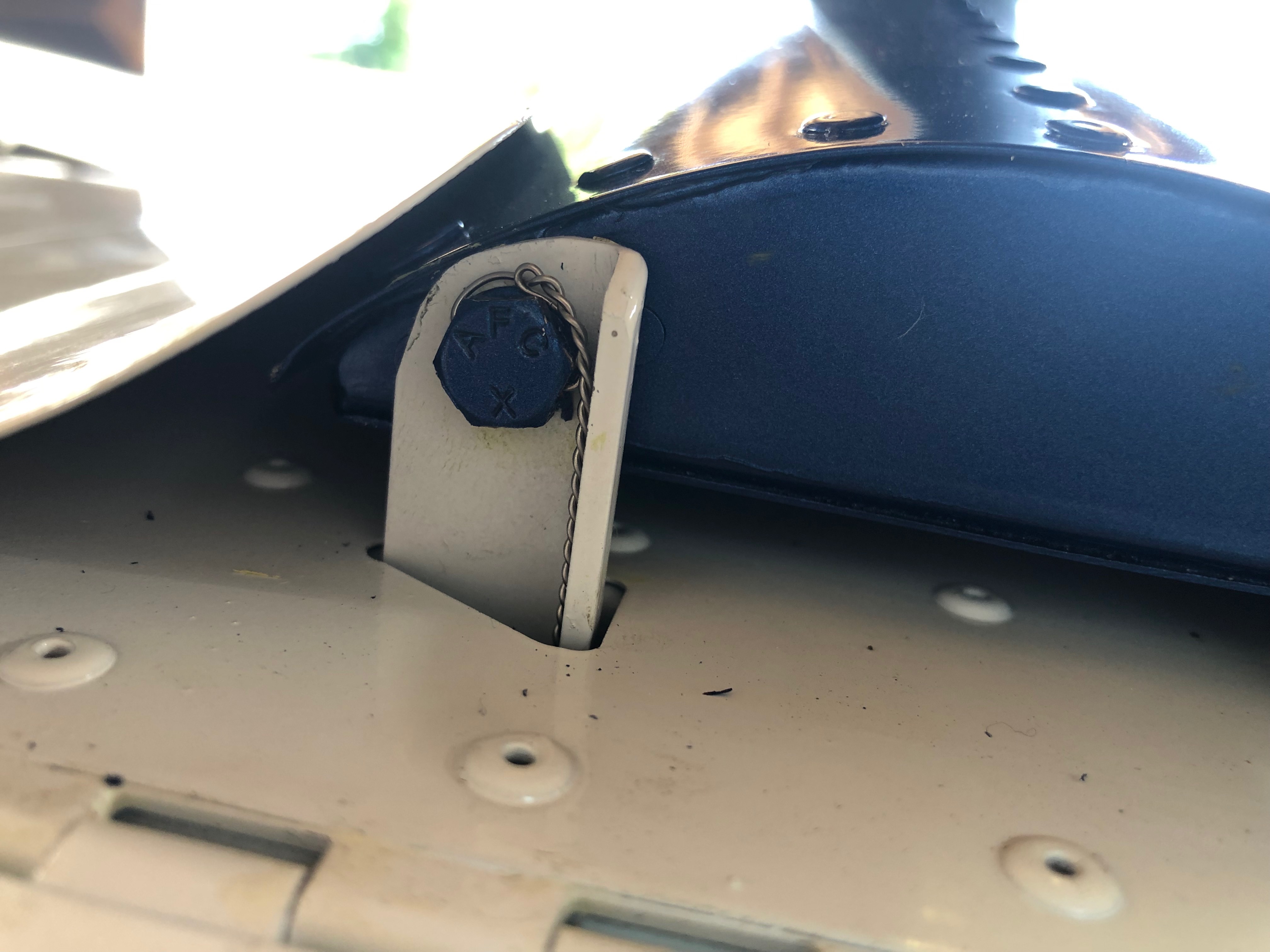
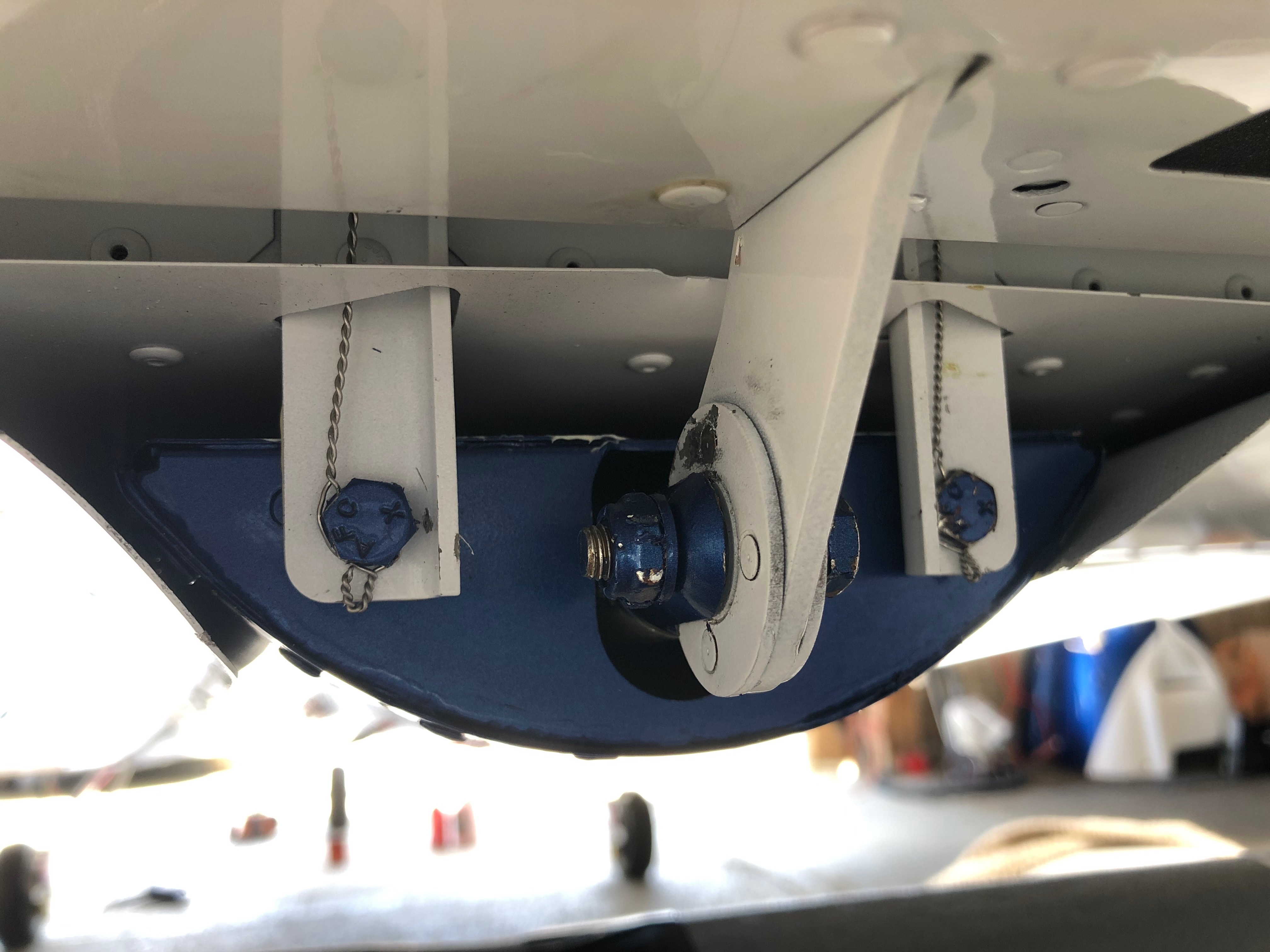
A few smaller jobs to do today including the last bit of wiring, wire locking the tailplane, adding a vent pipe to the coolant bottle and adjusting the flap operating arms.
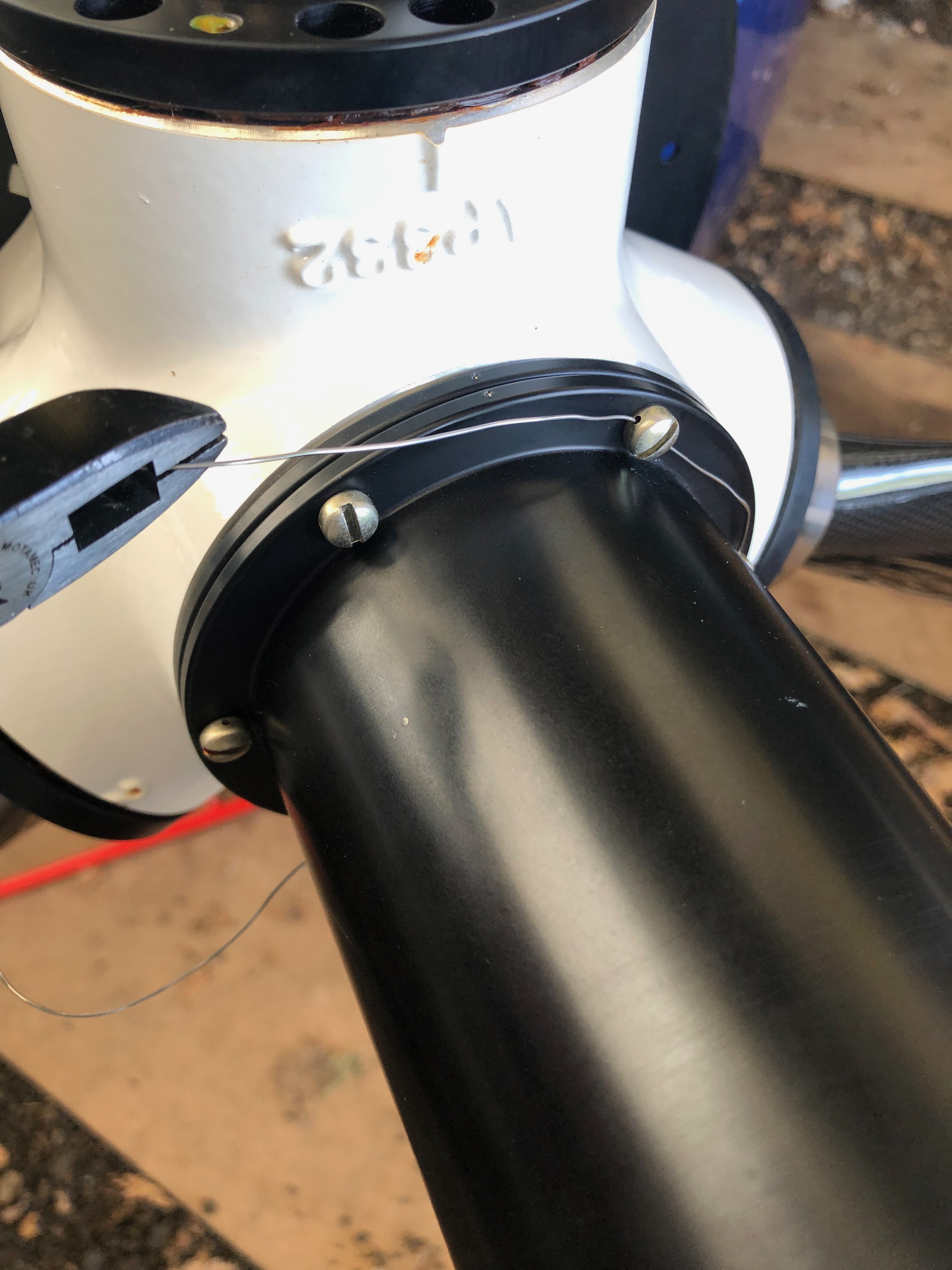
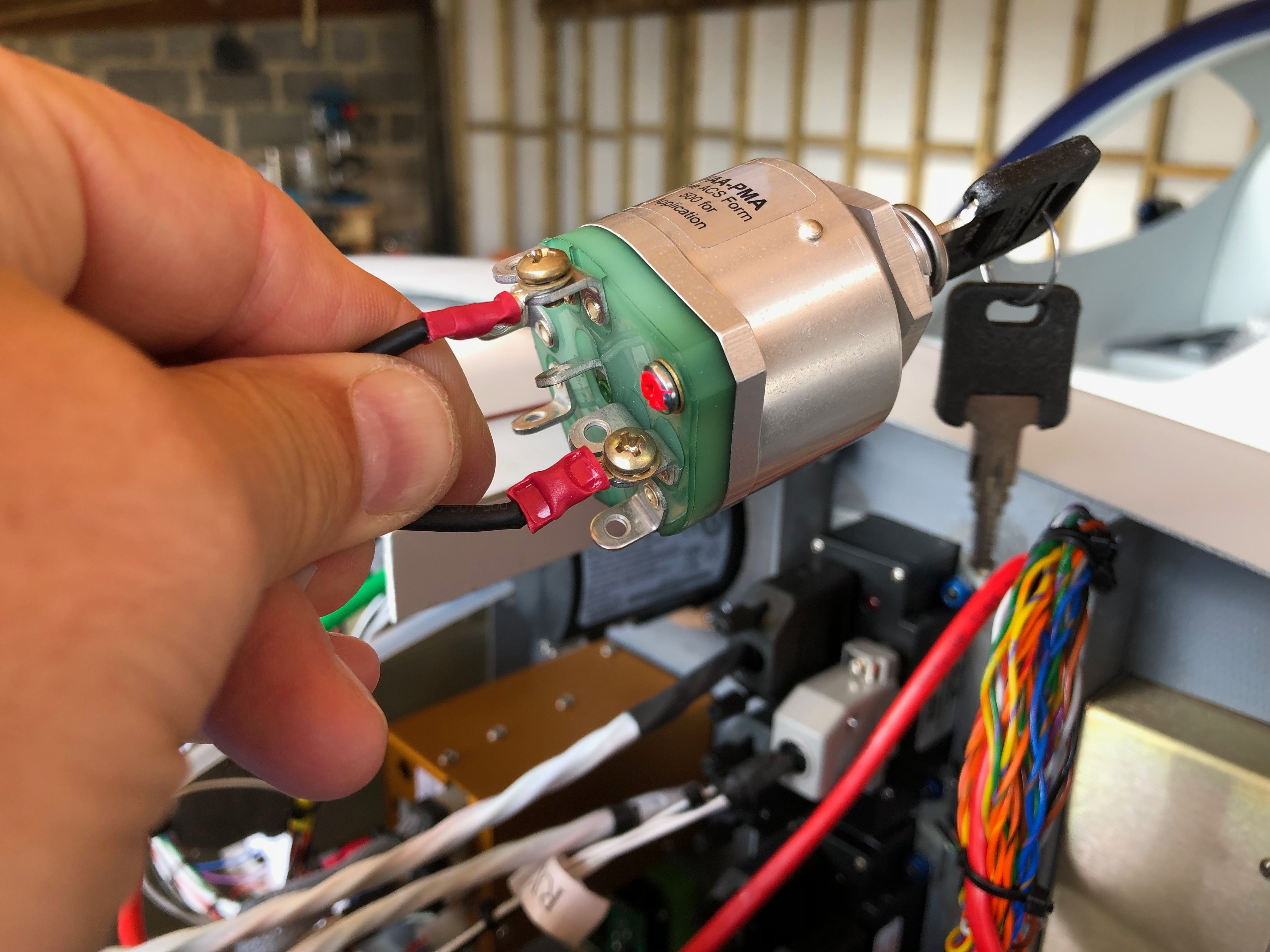
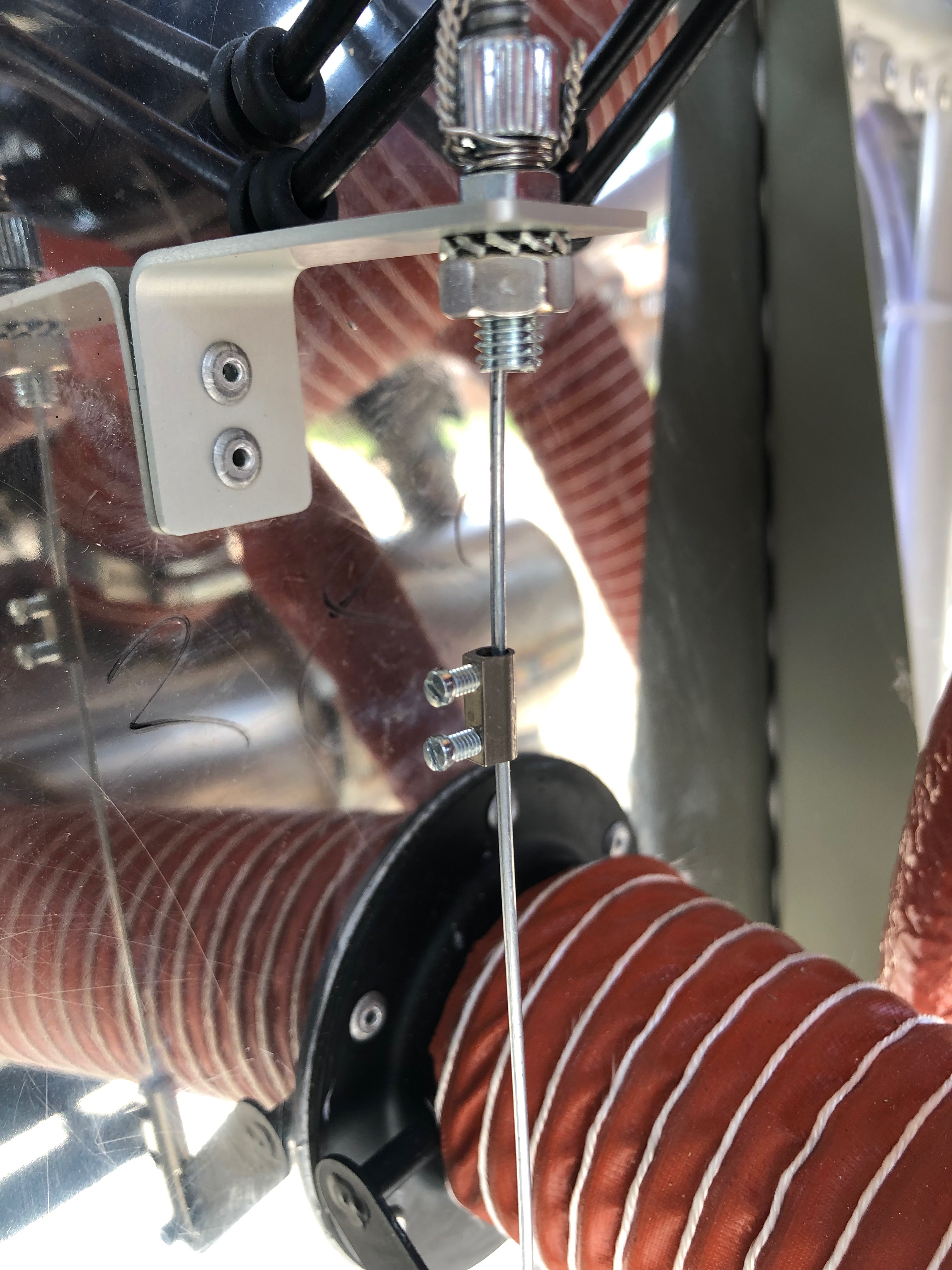
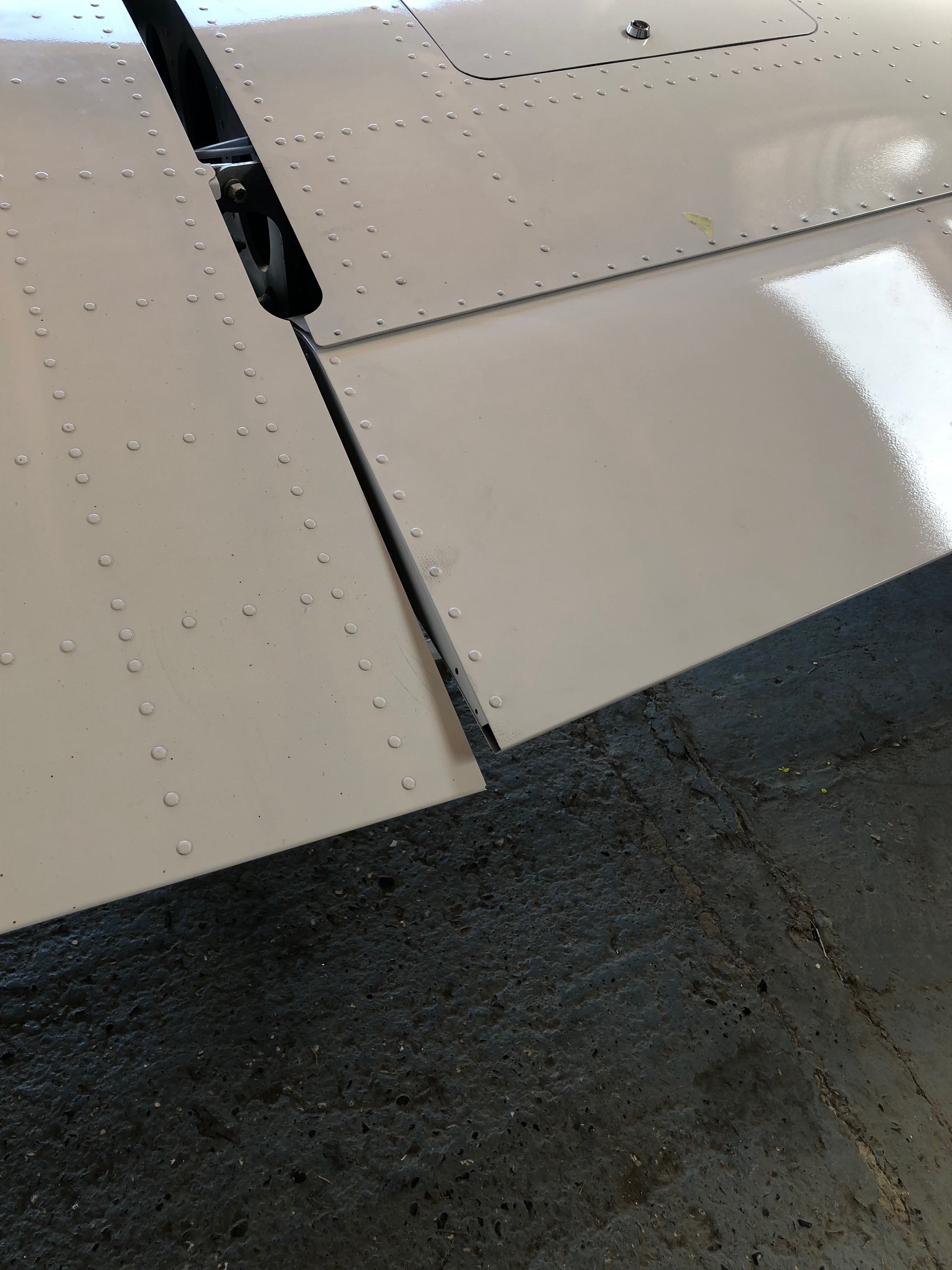
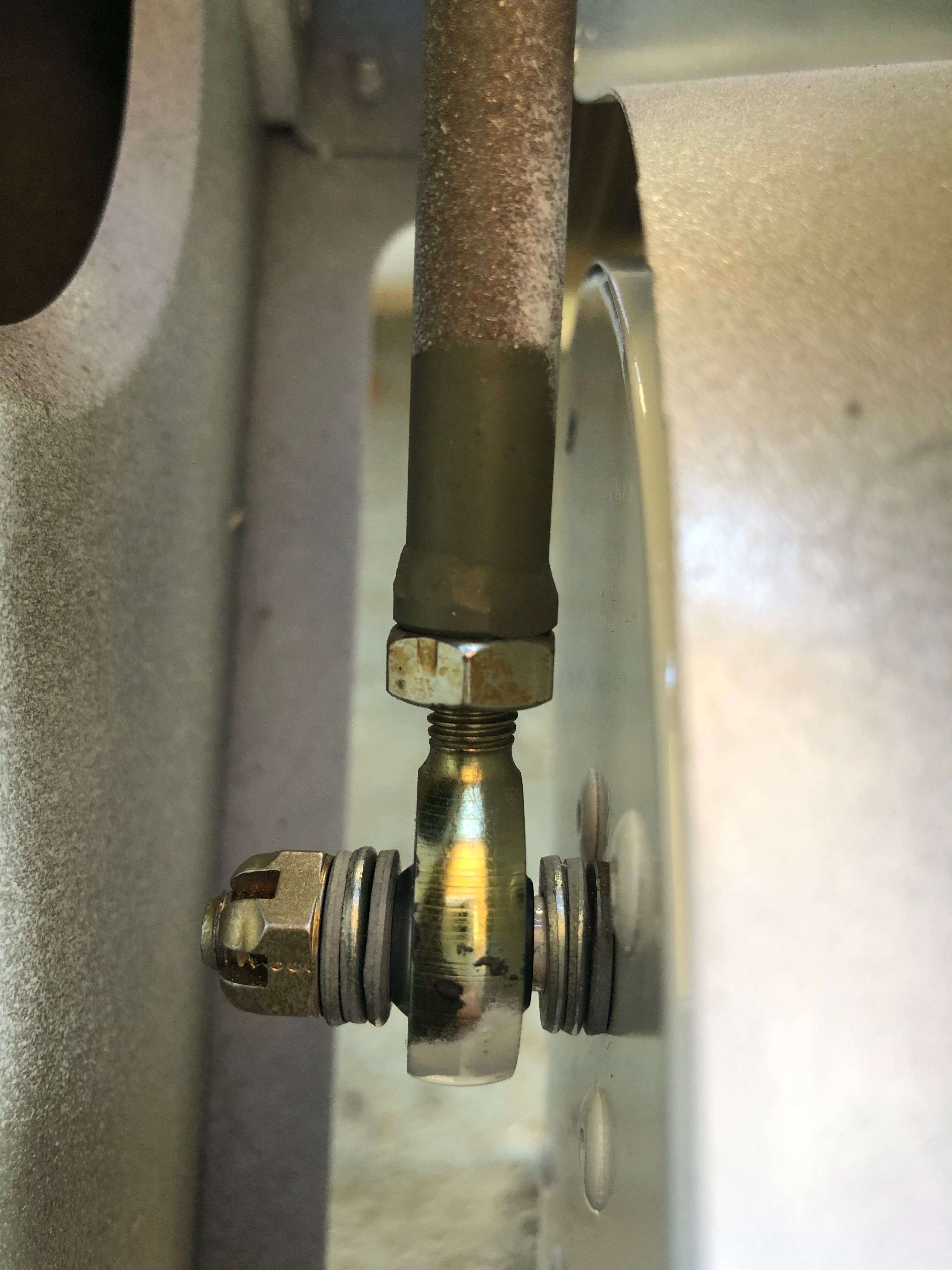
The ACS ignition switch requires 5 wires, Left and Right magnetos, battery, starter solenoid and ground. It uses 4mm ring connectors that are secured with screws and shake proof washers.The carb heat and heater controls require a positive stop to make sure you don’t pull the cable too far. I’ve used a ‘chocolate block’ with the insulation cut off……slid it on the cable and secured it with the 2 screws.The same was done for the heater control.I’ve added a breather in the coolant bootle and run the pipe down the firewall and out under the fuselage.Four bolts secure the tailplane and once torqued to the correct setting are wire locked to ensure they don’t undo.The wire locking is carried through from the top bolt and finished off around the bottom bolt.The flaps require adjusting to be flush with the trailing edge of the wing…The control rod arms have adjusters at either end and are adjusted equally before locking up.
it’s time to fit the wings so I need to add the connectors to the trim, landing lights and heated pitot looms that I have already run in. I’ve also run in the radio coax cable so need to terminate that and carry out a final tidying up of the wiring.
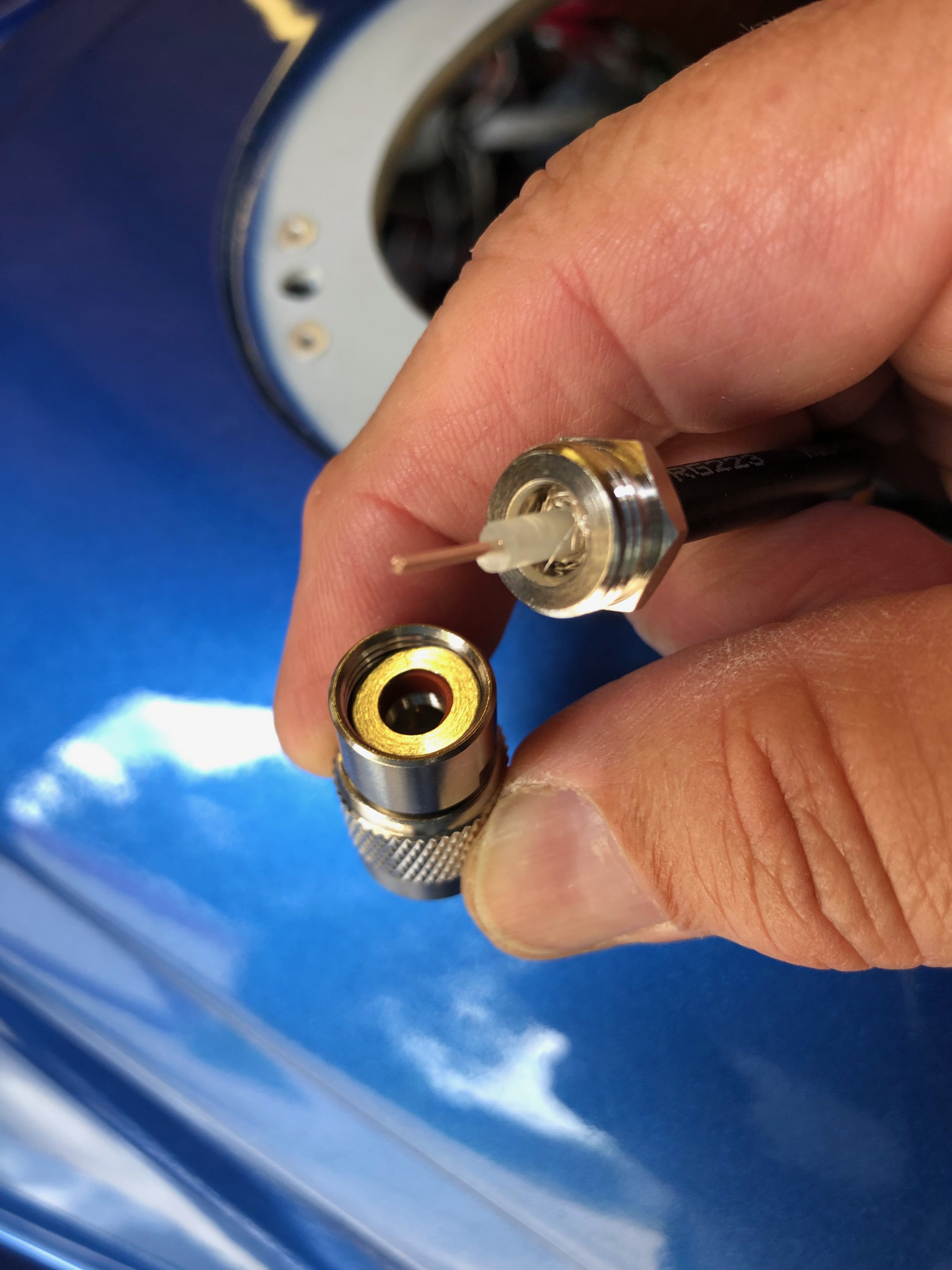
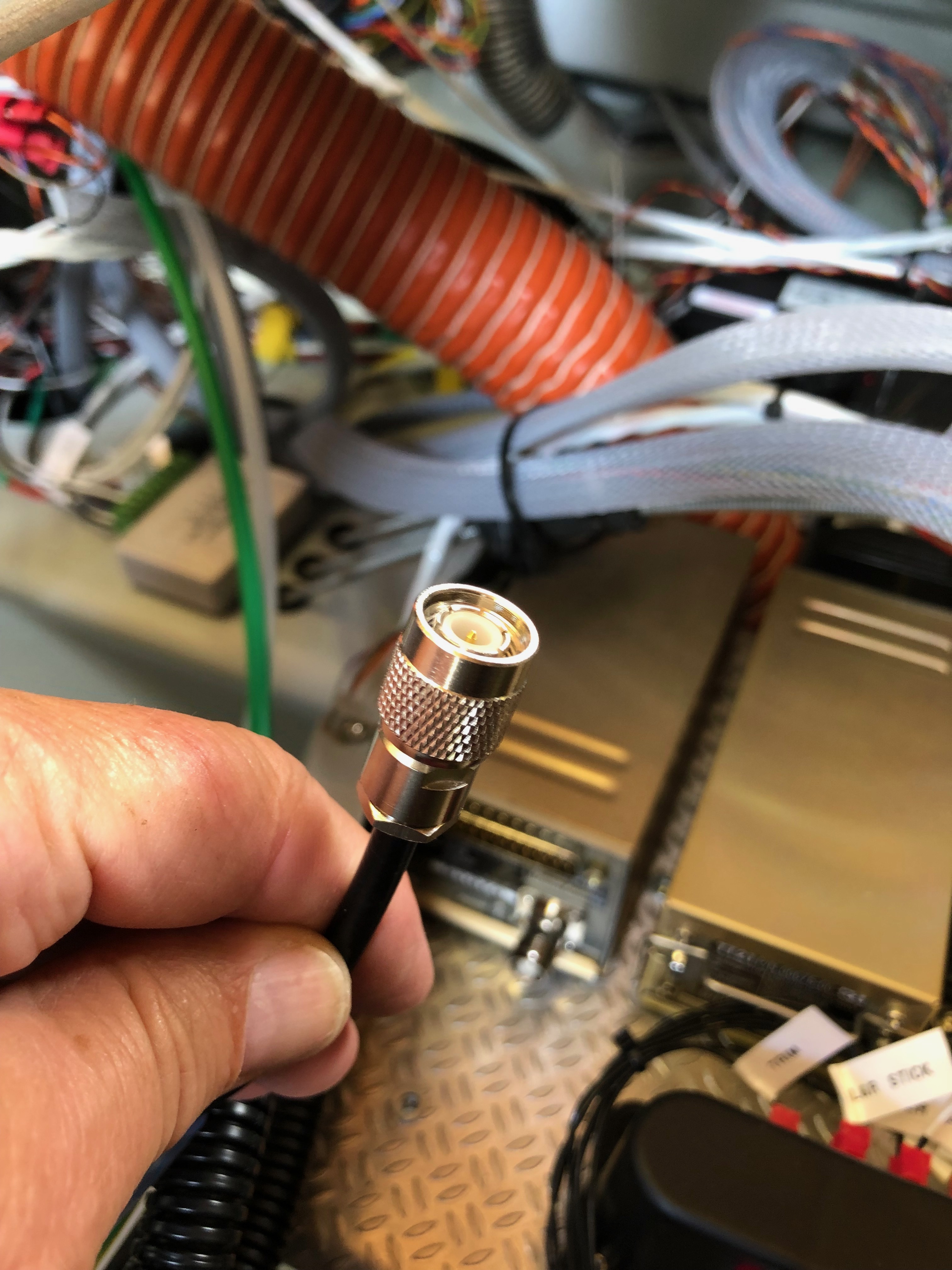
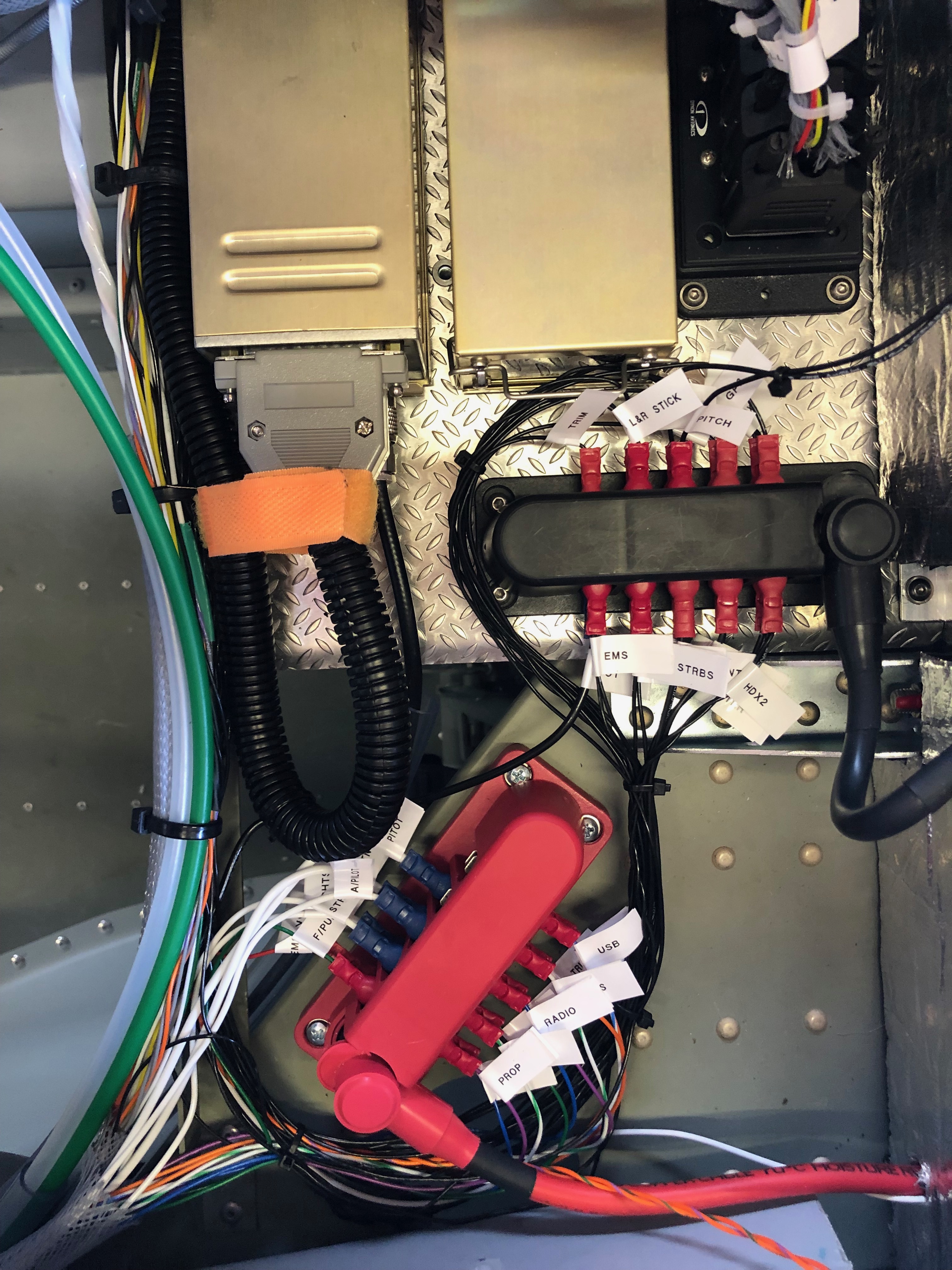
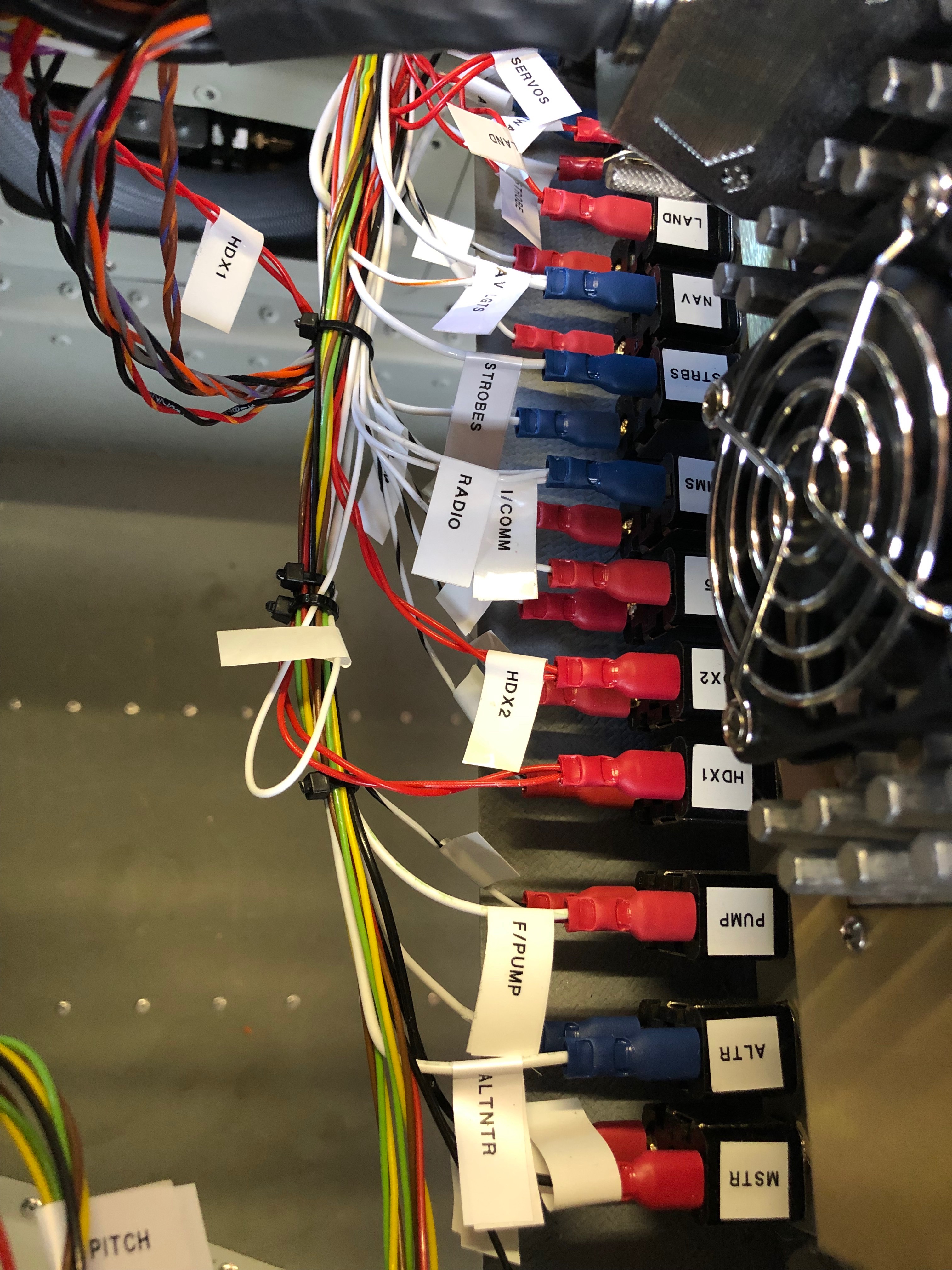
As mentioned before I decided to use superseal connectors as they are failproof and waterproof. I’d already completed quite a few of the connections but was distracted by another job. Whenever I’m distracted I always document what still needs to be done in my project plan.With all the connectors added the next job is to add an Amphenol to the end of the coax cable. It’s quite a complicated connector so I needed to test i on a cut off first. Once cut and trimmed the connector is soldered on to ensure a good connection.The finished connector, fairly straightforward but just needed to be thought about before committing,Now time to fit the wings so I can set all the ailerons, check the pitot, trim, flap, strobe and landing light circuits are working as wired. Ian and Peter Sharpe have offered to help and as usual Ian wears his designer gloves for the wing lift process. He looks quite fetching 🙂 Peter Sharpe at the ‘sharp’ end adding invaluable assistance. Once the wings are attached the main bolts need to be tapped home with a small nylon mallet before the nuts are added.With the wings added she’s a tight fit in the hanger with just 6″ between the front door and rear wall. If I had fitted the prop she wouldn’t fit!Now all the wiring has been completed and checked I can start to tidy th wiring. Ovrall I’m quite pleased with the results. Circuit Breakers……Bus Bars……Equipment trays and connectors…… and switches. All look a lot tidier now.She’s coming along nicely now and it won’t be long before I can start engine tests…
Finishing off the trim wiring, fitting and wiring the control stick grips,
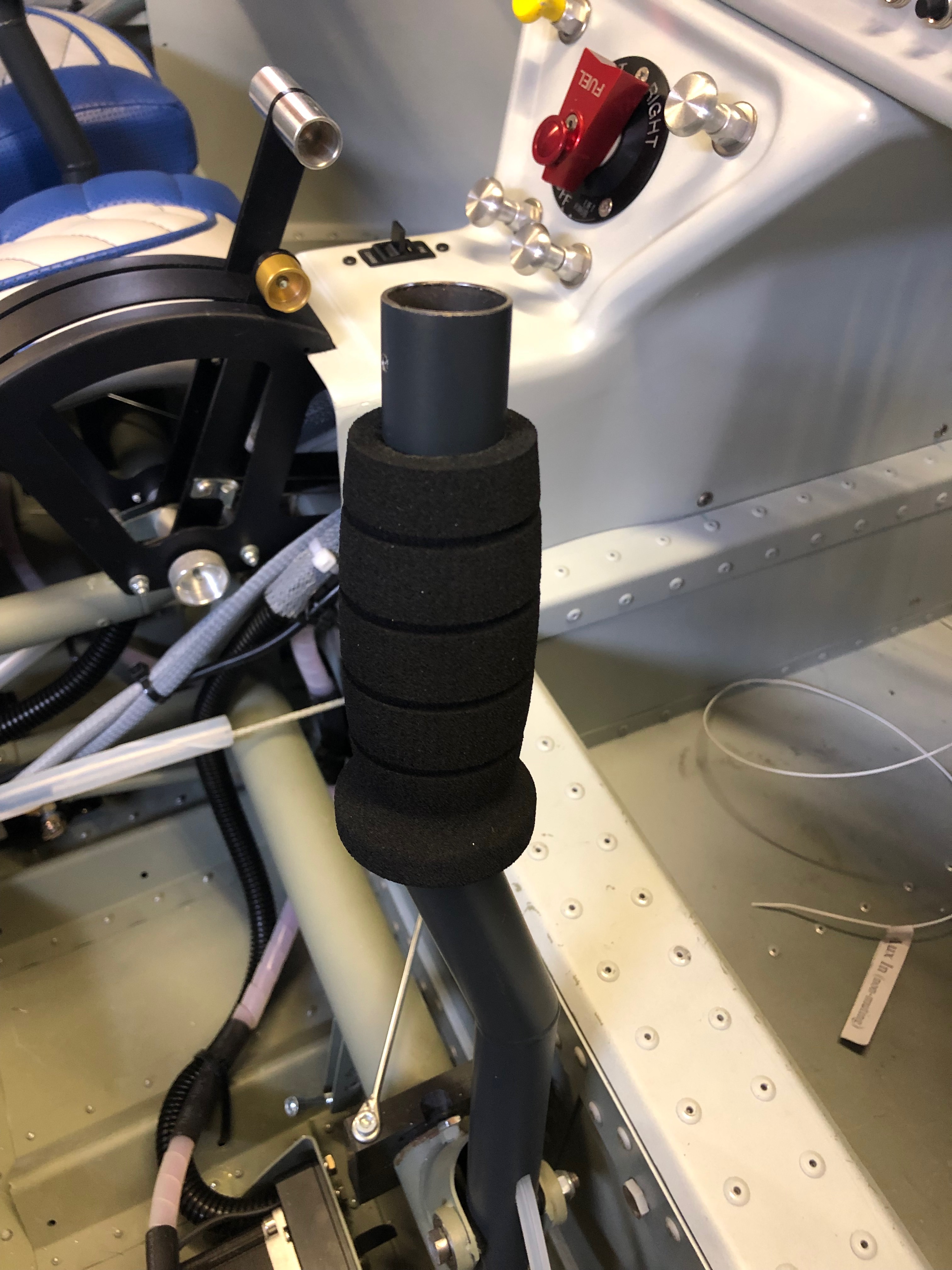
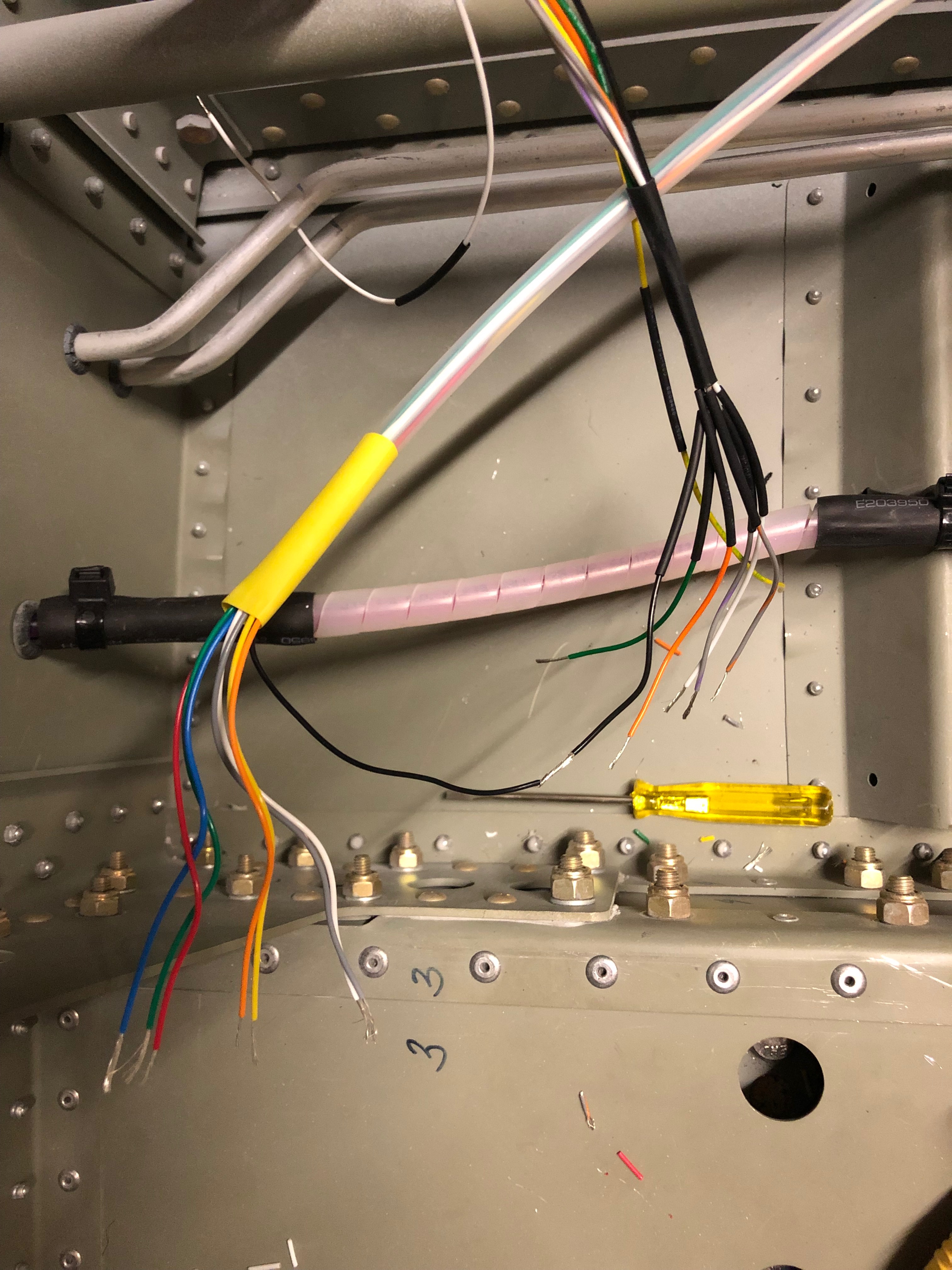
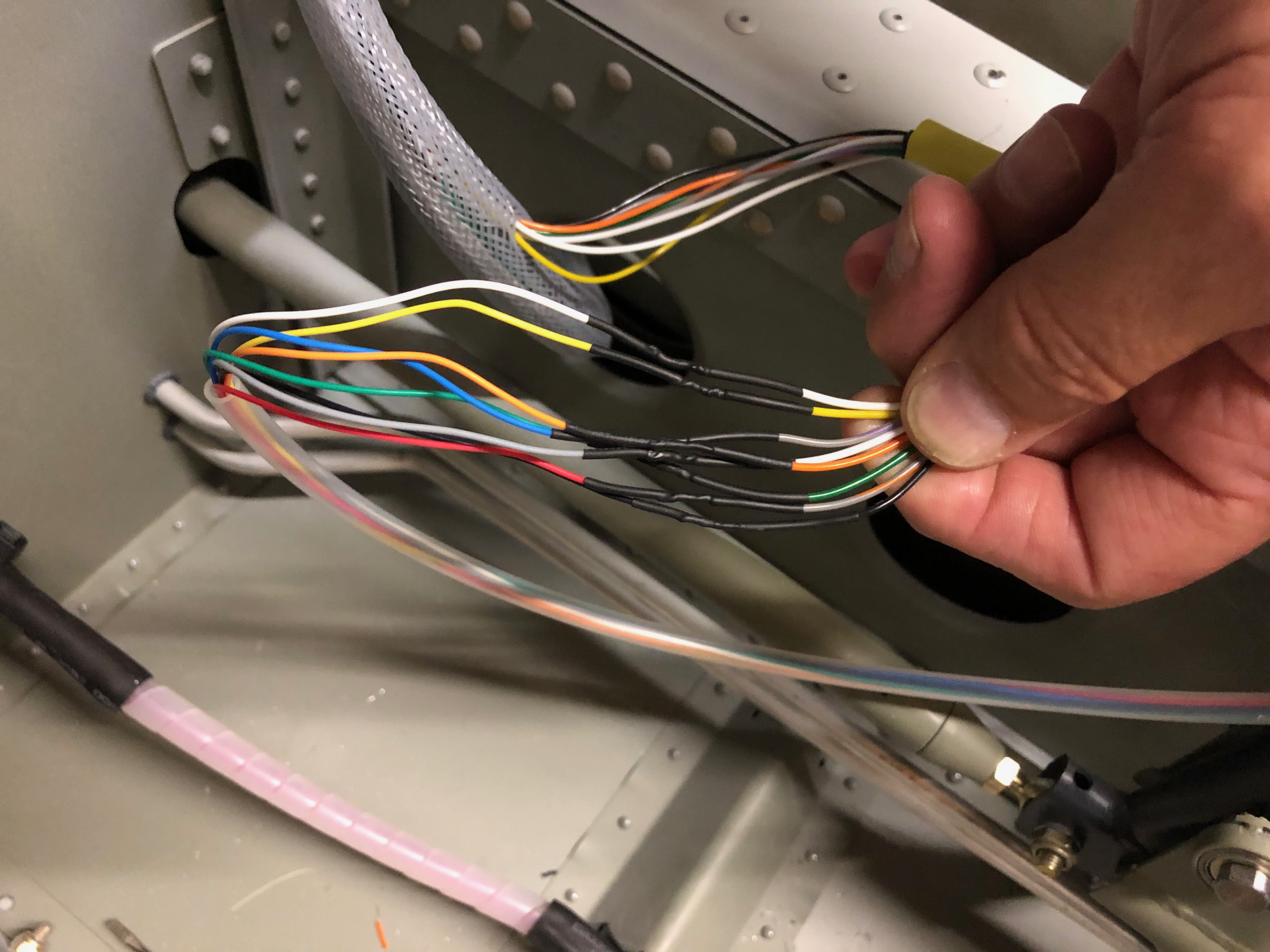
After a lot of head scratching the trim system is finally wired just need to wire up the control sticks to finish off a very long day.The Bristell trim kit supplies G405 stick grips but I wanted to add a autopilot disconnect switch on the stick so went for the G407 instead.It’s suggested that that the stick grips are riveted to the stick but I think it better to drill and tap so you can remove them easily at a later stage if required.I’ve used M3 button head screws to secure the top.The stick grips are slid onto the control stick but are a very tight fit so require a bit of lubrication to ease the process.With the stick grips fitted I just need to wiring them up. Pleased with the result so far..Another batch of wires. This time eight the need to be soldered together. The only difficult bit it mapping the differing colours between the control stick and the wires that are connected to the trim controller.Soldering complete just need to record the colour mapping for my documentation.
Amazingly more wiring today! Next on the list is the trim system. Once that’s complete I’ve arranged to get some help to fit the tailplane and then finishing off with making a start on wiring the ignition switch.
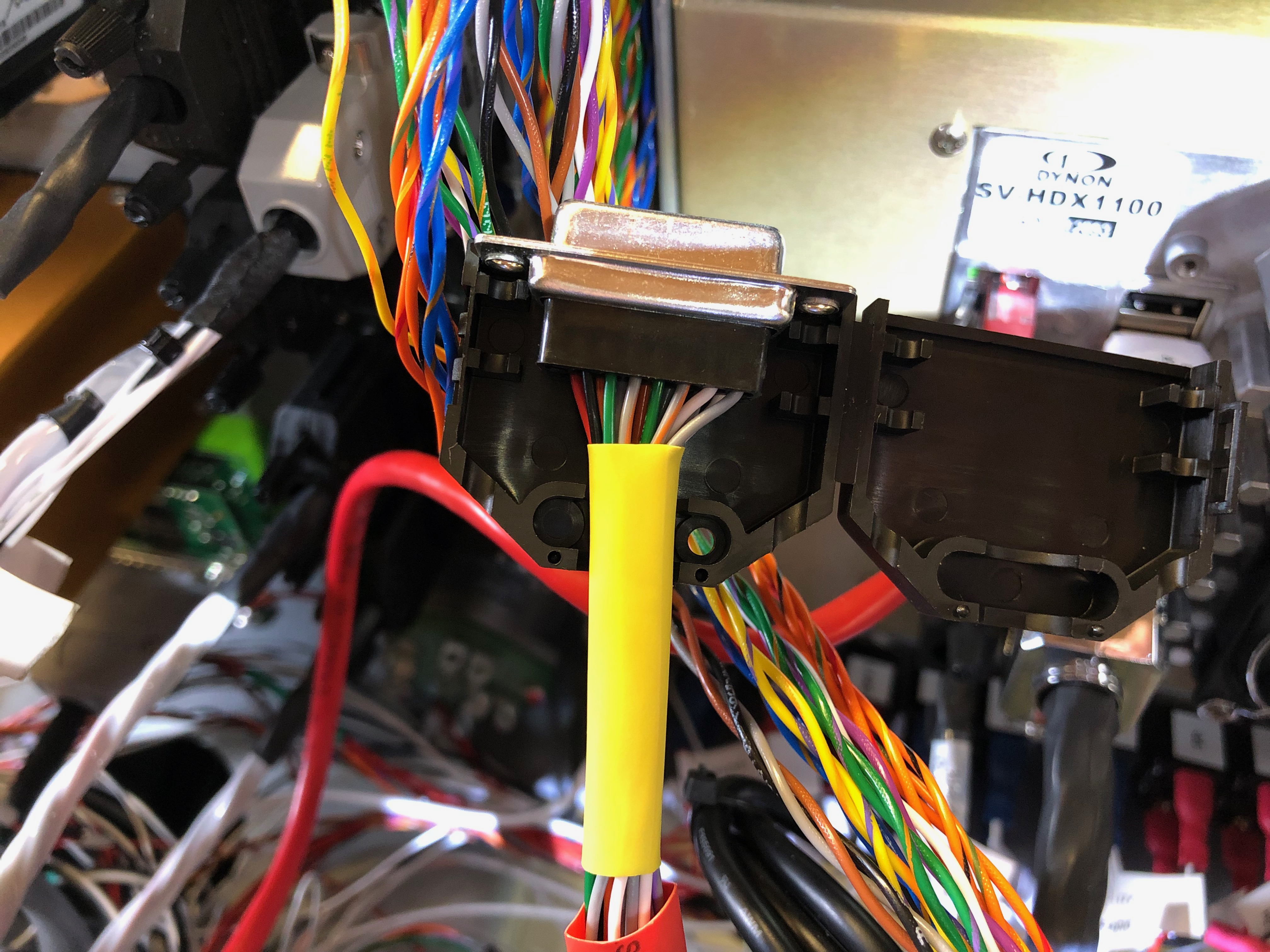
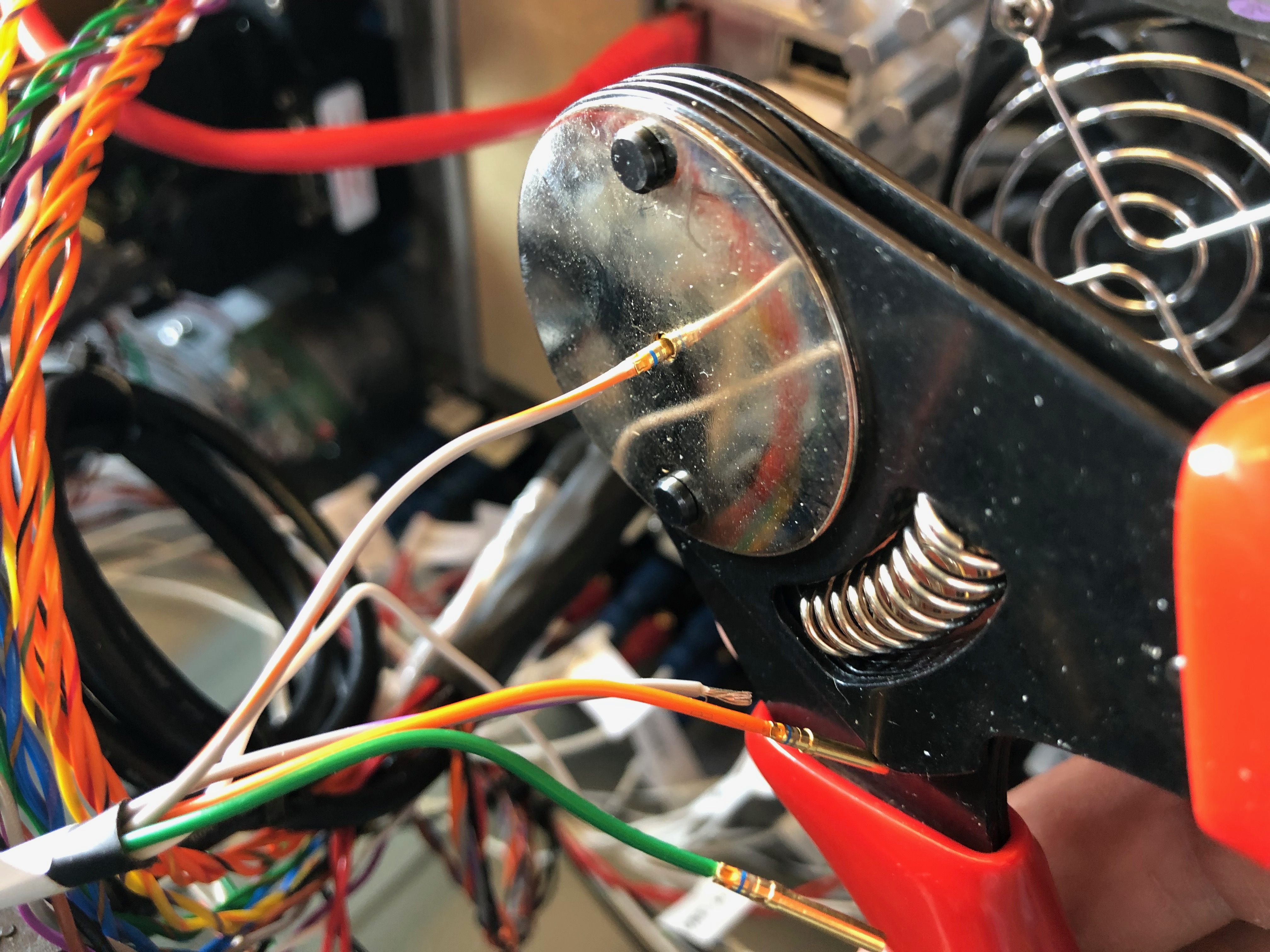
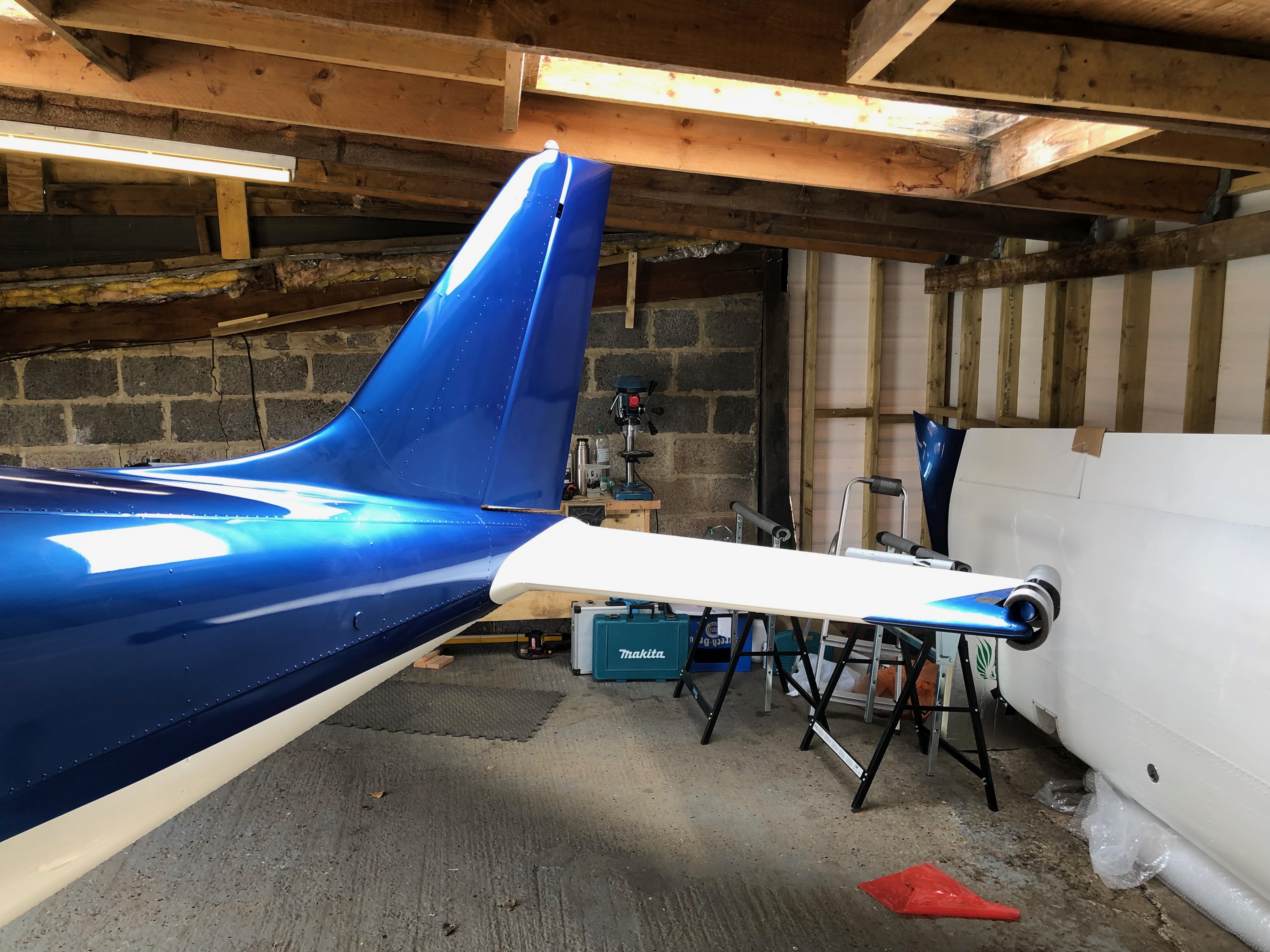
Most of the Dynon connectors consist of a loom of wires but they’re not normally terminated so require the pins to be crimped on with a 4 jaw crimping tool.Partially populated but a lot more wires to add.Fitting the tailplane requires 2 people. It locates on 2 pins that ensures the correct placement. All paint and debris needs to be removed and then greased before attempting to fit the tailplane No pictures of the process as it was quite tricky to fit. Job done. The tailplane is secured by 4 bolts that are torqued and up before being wire locked.Next a start on the magneto switch wiring. The two connectors have two holes that are wired and run to the ignition switch.The wiring of there were very difficult and didn’t go to as I expected. The instructions give the impression that the pins can be slipped into the plug whilst they are still connected but this wasn’t the case. They needed to be separated first before the pins could be inserted. Took about an hour to sort this out.The engine wiring is now complete and look quire neat.
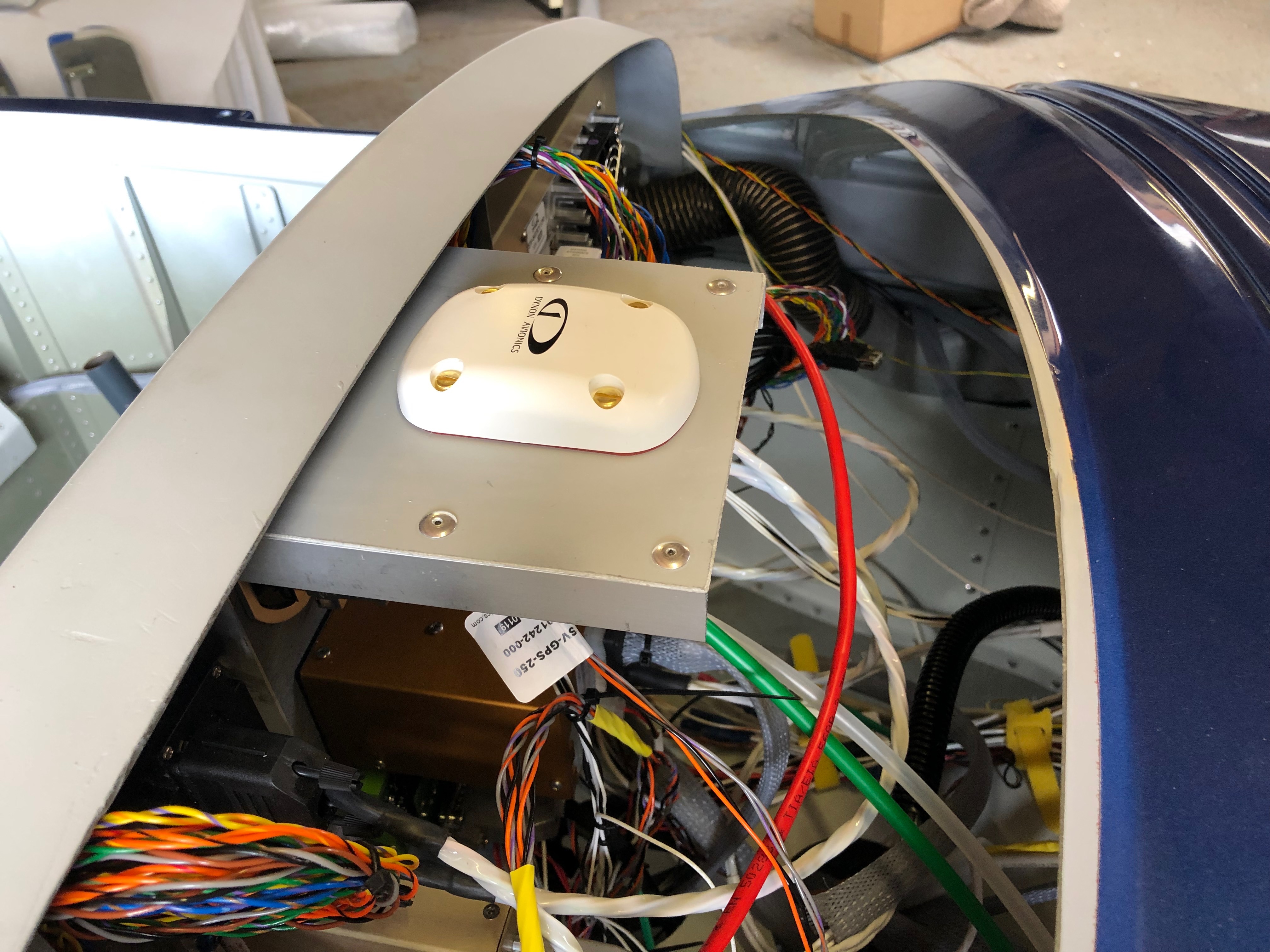
To give me a break from wiring I thought I’d start with a job that included some wiring after I finished it! Installing the GPS unit. Then back to wiring, first the charge circuit and then onto the the control sticks which includes the trim, radio and autopilot functions.
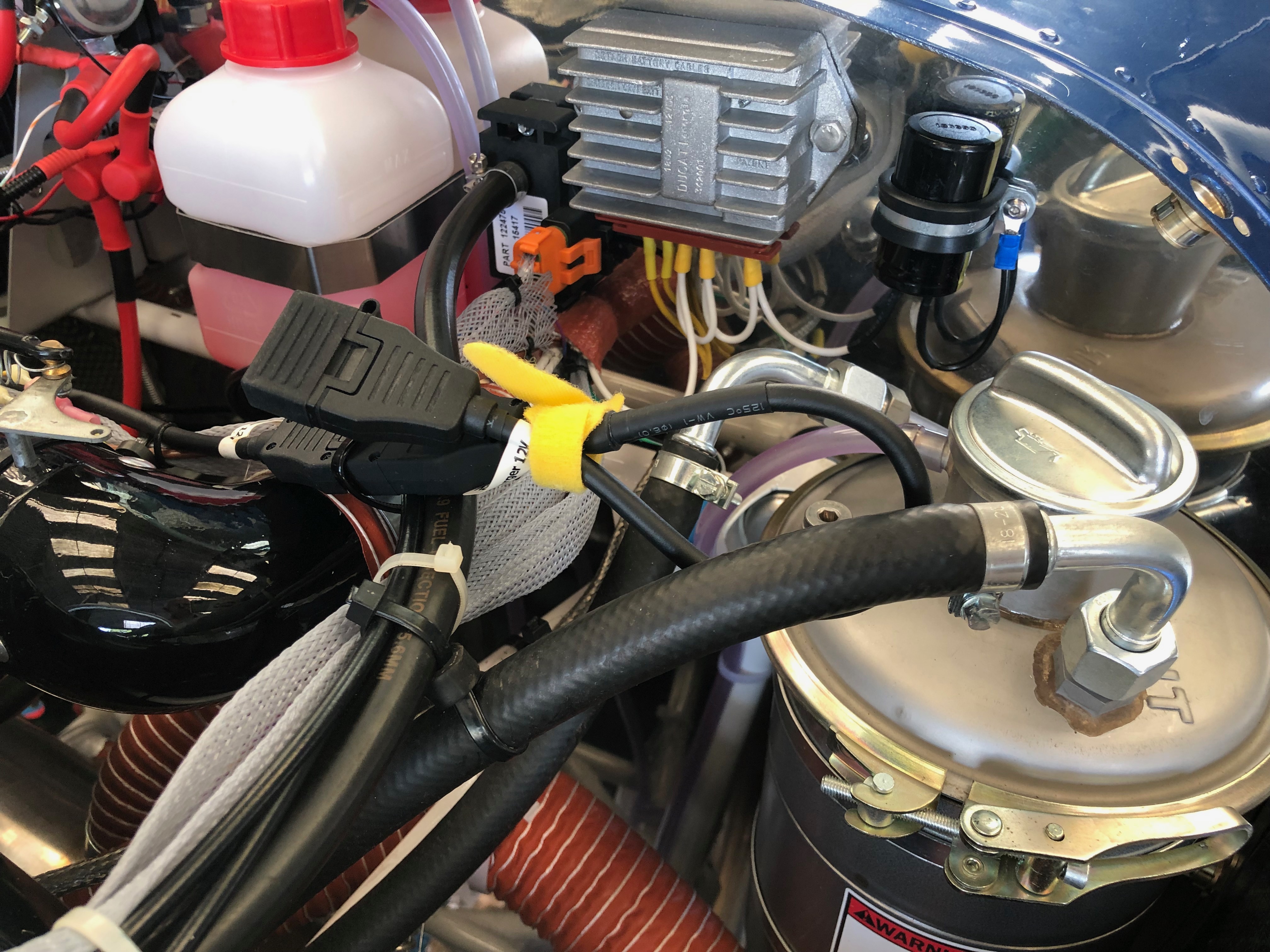
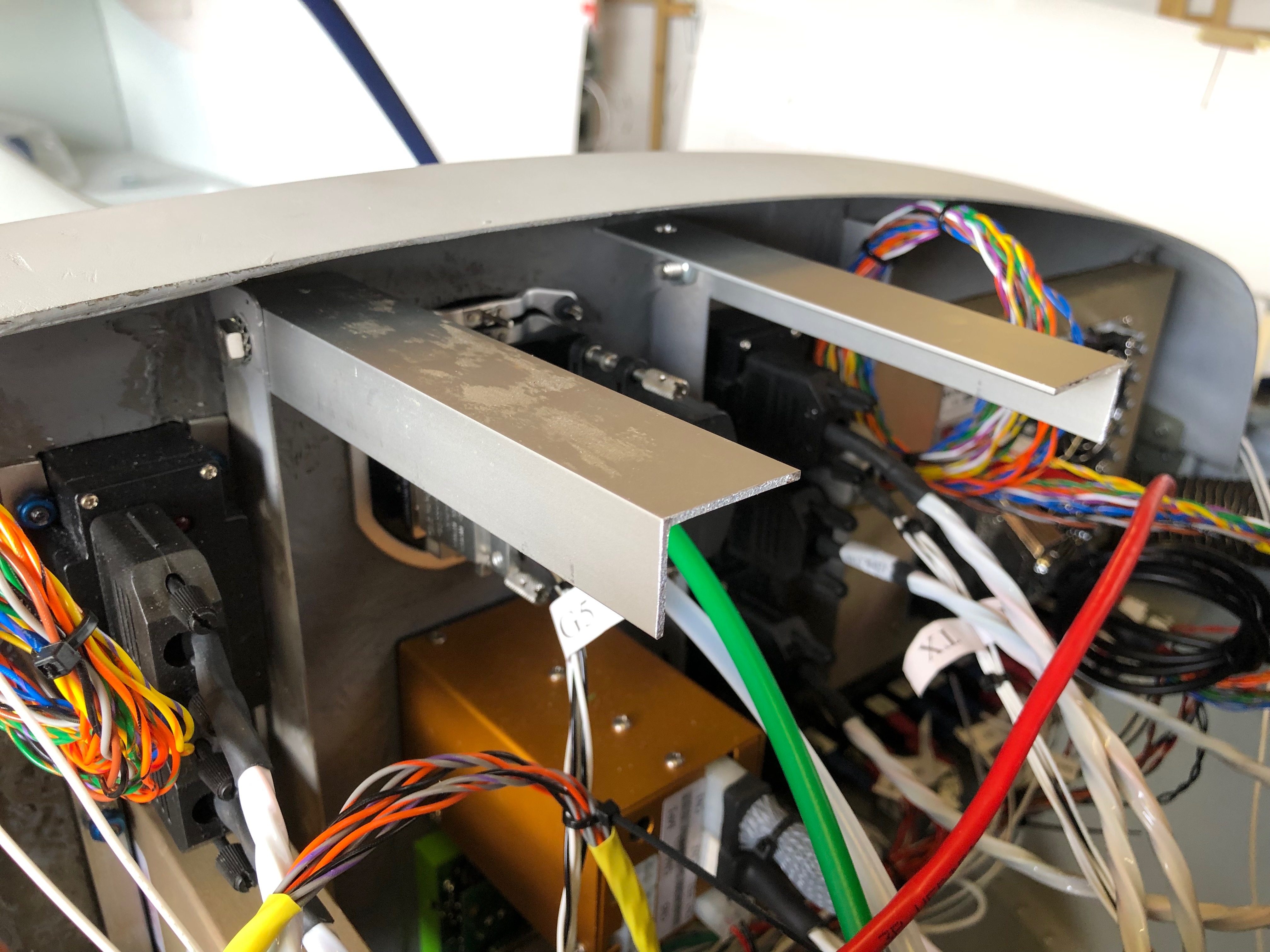
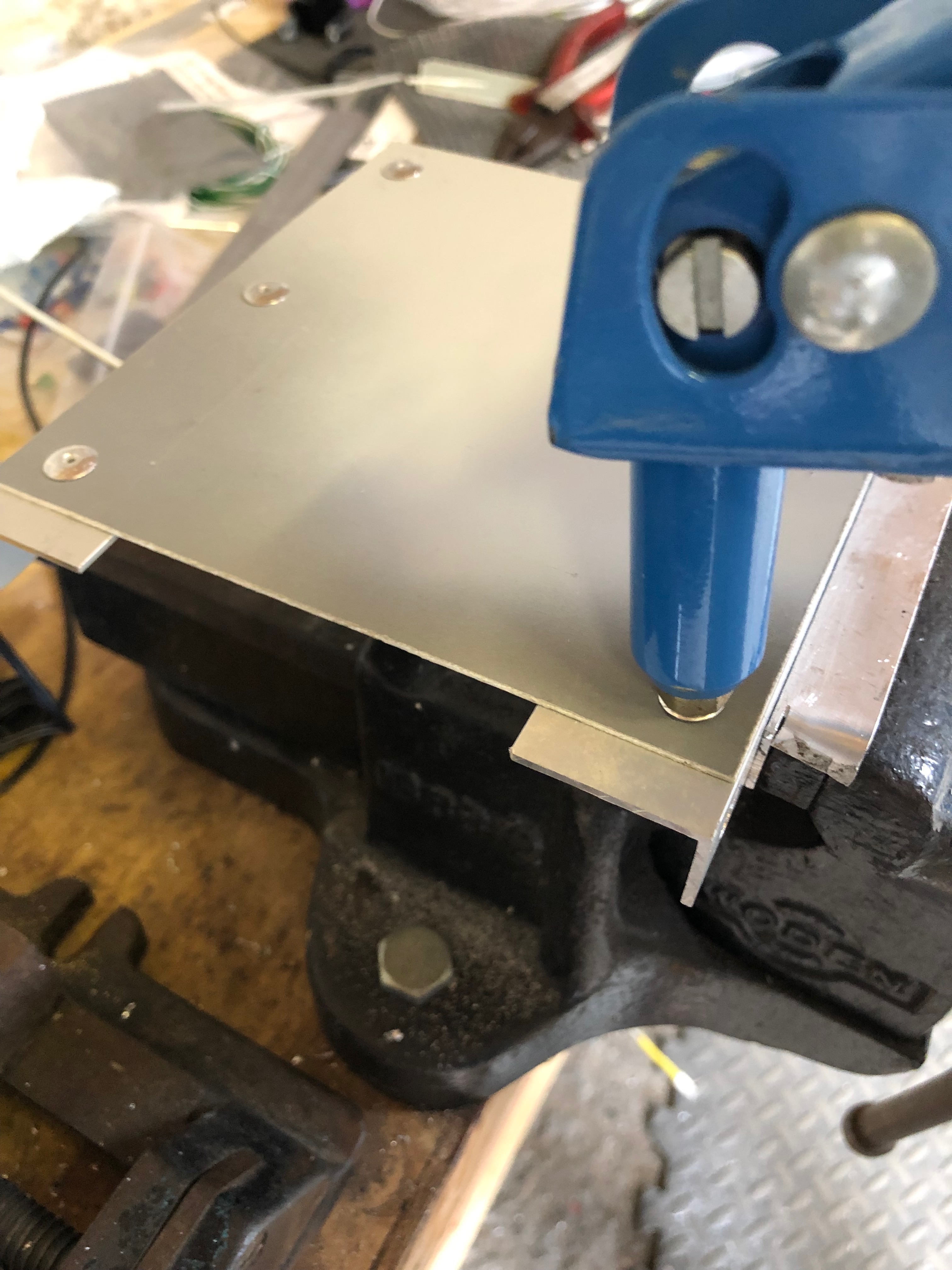
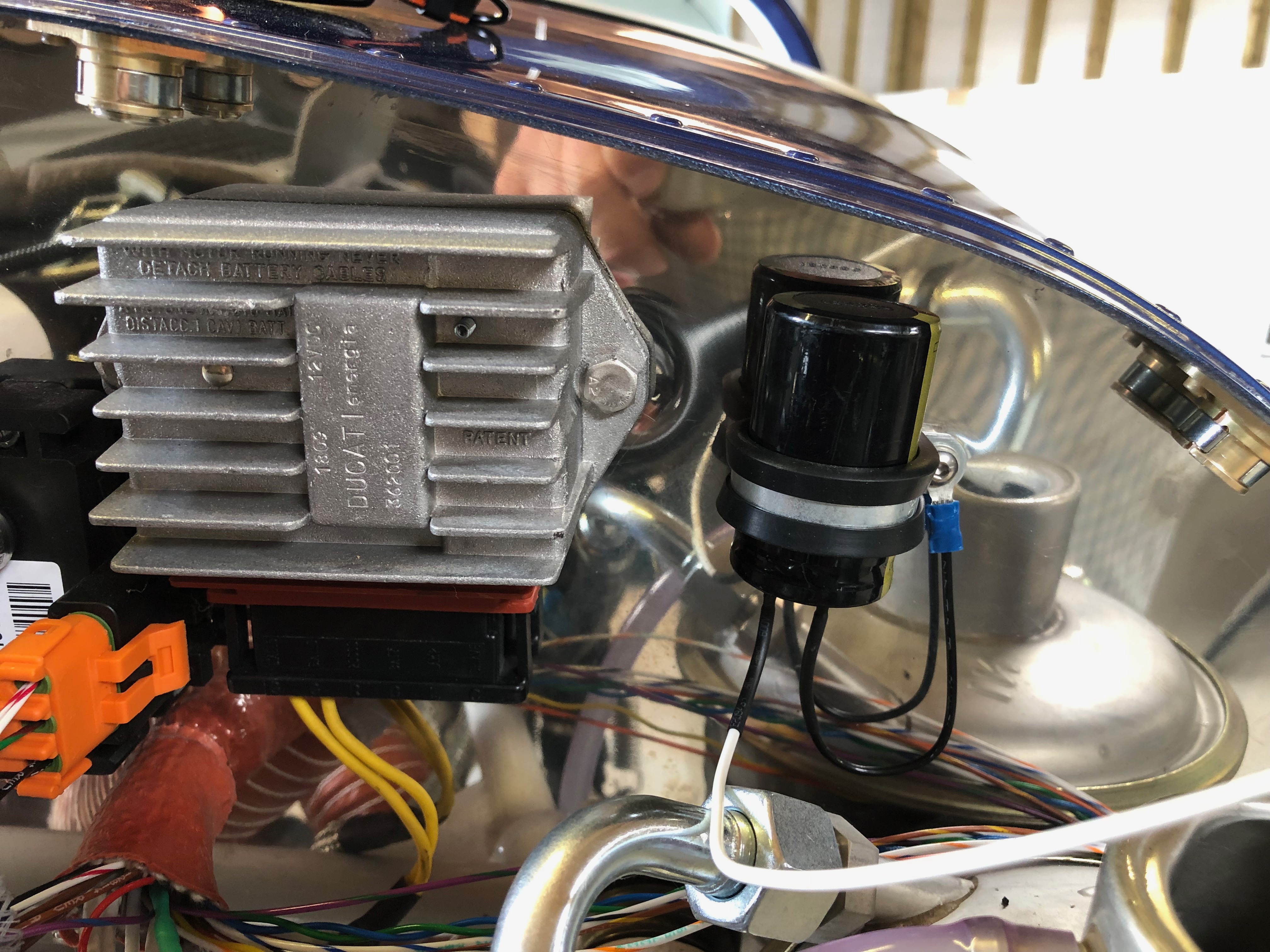
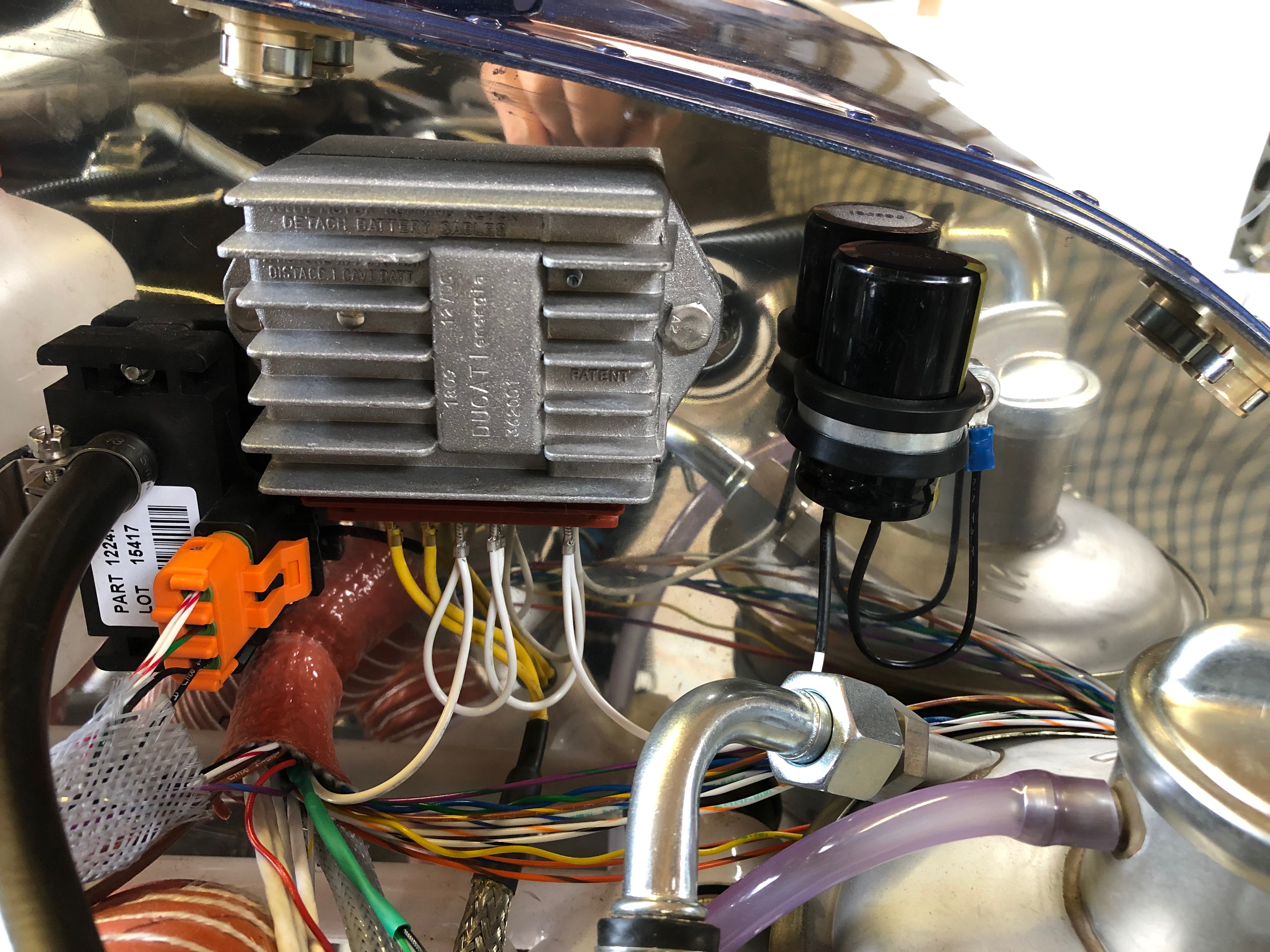
I decided to make a bracket out of some aluminium angle that could be fixed to the strengthening that I added to the rear of the panel.After cutting 2 pieces 15 cm long I riveted a piece of the offcuts from the panel to use as a surface to mount the unit.The mount works well but unfortunately there really isn’t any other place for the GPS so it will sit on this mount under the glare shield. Next up is installing the wiring for the charge circuit. It requires a large capacitor that smoothes the output and protects the regulator unit from overcorrect spikes.. The completed charge circuit. It’s simpler then circuit diagrams make out. I decided to get new Ray Allen control stick grips which are an enhancement on those supplied with the kit. They have 7 buttons instead of 5. The stick wiring requires 8 wires to be run down the control stick and onto various contacts. 4 are for the trim up, down, left and right, 1 is for ground, 1 for PTT and the other two are for whatever you want to use them for. I’ve decided to use one for autopilot disconnect and the other for the autopilot ‘Level’ function.
Following the build of my Bristell NG5 Kit No. 382 Registration G-MLSY



















 G-MLSY